Winter Snow AI Photo Prompts
Quick Answer
Here are 8 winter snow AI photo prompts that work in Gemini and ChatGPT. Tap Copy Prompt, open Gemini or ChatGPT, upload one clear photo of yourself and paste the prompt.
Winter snow photos are all about falling snowflakes, cosy sweaters, snowy streets, glowing lights and warm smiles in the cold. These prompts cover snowy streets, snowmen, forests, cafes, night snow, skiing looks, mountains and cosy sweaters, so every photo looks magical, fresh and perfect for your feed.
What’s inside these prompts
- Snowy Street
- Snowman Portrait
- Snowy Forest
- Winter Cafe
- Snow at Night
- Skiing Look
- Snowy Mountain
- Cosy Winter Sweater
| Prompt | Mood | Setting | Light |
|---|---|---|---|
| Snowy Street | magical | Snowy street with falling snow | Soft winter daylight |
| Snowman Portrait | playful | Garden with a snowman | Bright daylight |
| Snowy Forest | peaceful | Forest with snow-covered trees | Soft natural light |
| Winter Cafe | cosy | Cafe with warm lights and snow outside | Warm evening light |
| Snow at Night | dreamy | Night street with glowing lights and snow | Colourful evening light |
| Skiing Look | energetic | Ski slope with snowy mountains | Bright daylight |
| Snowy Mountain | adventurous | Mountain viewpoint with snow peaks | Clear daylight |
| Cosy Winter Sweater | warm | Living room with a fireplace and snow outside | Warm indoor light |
How to use these prompts
- Choose a prompt below and tap Copy Prompt.
- Open Gemini or ChatGPT on your phone or computer.
- Upload one clear photo where your face is straight to the camera.
- Paste the prompt in the same message and send it.
- If you don’t like the result, generate again before changing the prompt.
Tips for a better result
- Use a clear, recent photo. Good light and no sunglasses help the AI keep your face.
- Change one thing at a time. Swap only the colour, outfit or place if the result is close.
- Using ChatGPT? If the face changes, replace the last line with: “Use my uploaded photo as the reference and do not change my facial features.”
- Try 2-3 times. Every result is a little different, so keep the best one.
8 Winter Snow AI Photo Prompts
1. Snowy Street
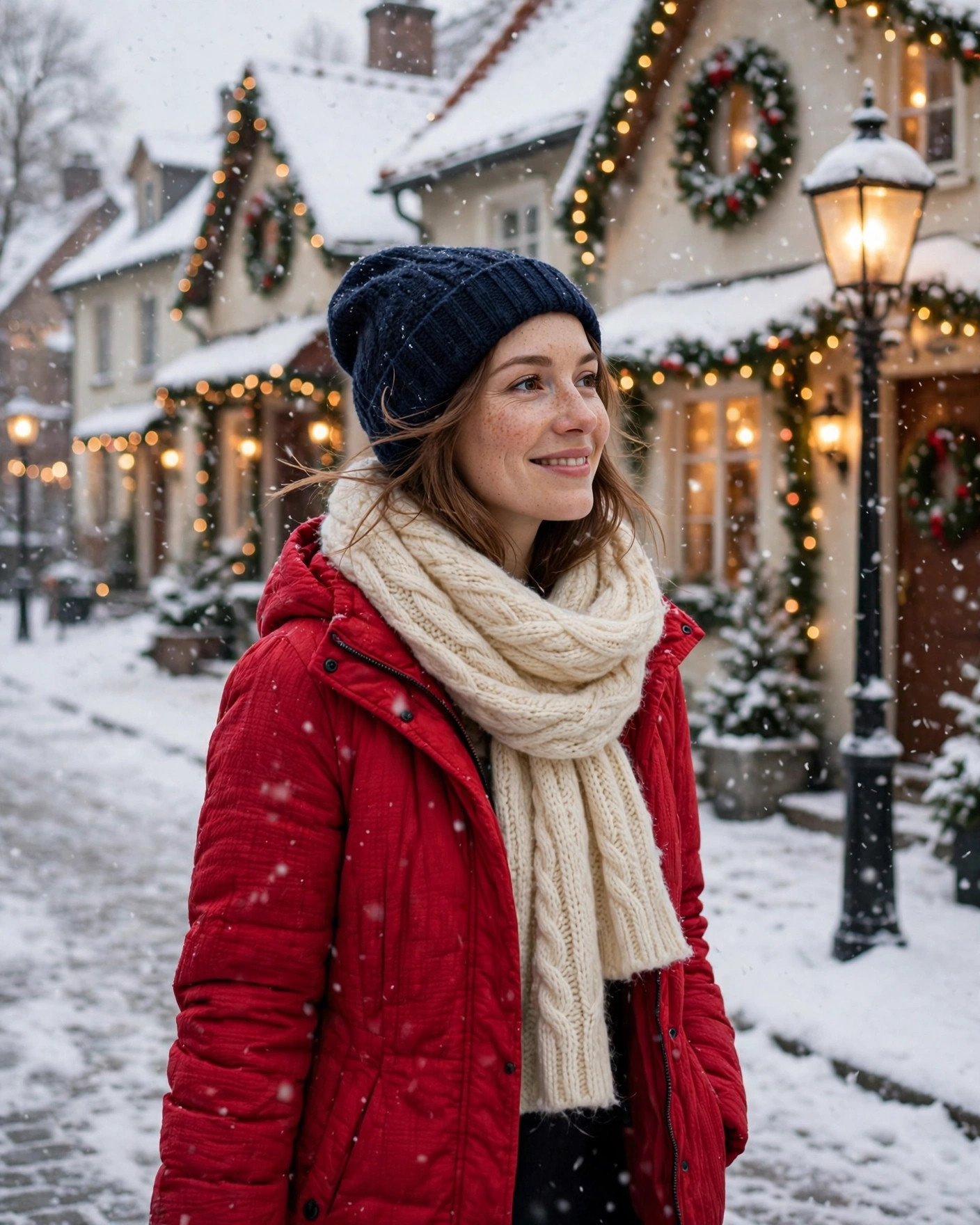
Mood: magical · Snowy street with falling snow · Soft winter daylight
The person in my photo walking down a snowy street, wearing a red coat, woollen scarf and beanie, smiling softly as snowflakes fall gently and decorated houses and a glowing lamppost stand behind, soft winter daylight on the face, magical and dreamy snowy street look. Keep my face exactly the same as in the uploaded photo.
2. Snowman Portrait
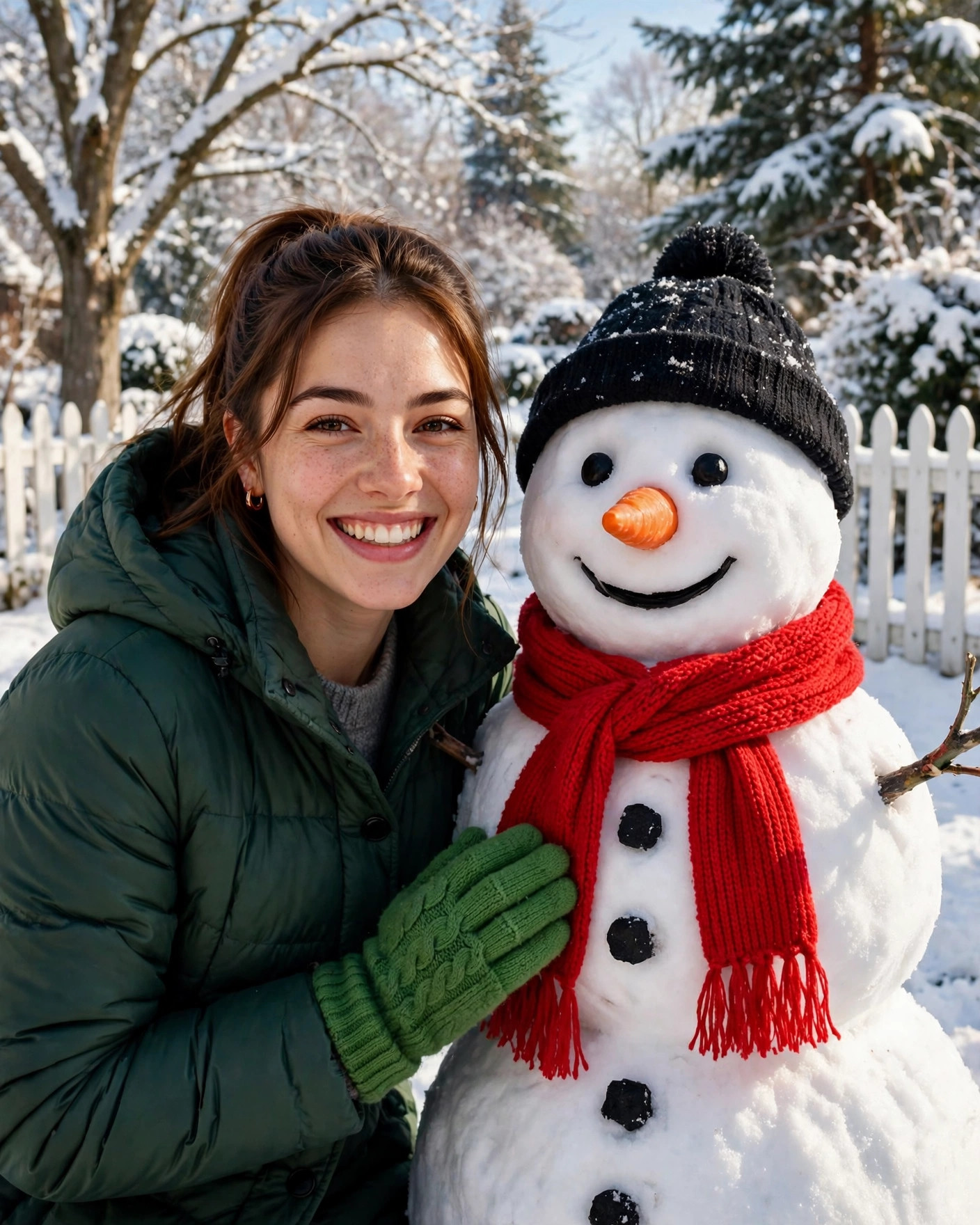
Mood: playful · Garden with a snowman · Bright daylight
The person in my photo standing beside a cheerful snowman in a garden, wearing a green coat and gloves, smiling brightly as the snowman’s carrot nose and scarf stand out and snowy trees and a white fence fill the scene behind, bright daylight on the face, playful and fun snowman portrait look. Keep my face exactly the same as in the uploaded photo.
3. Snowy Forest
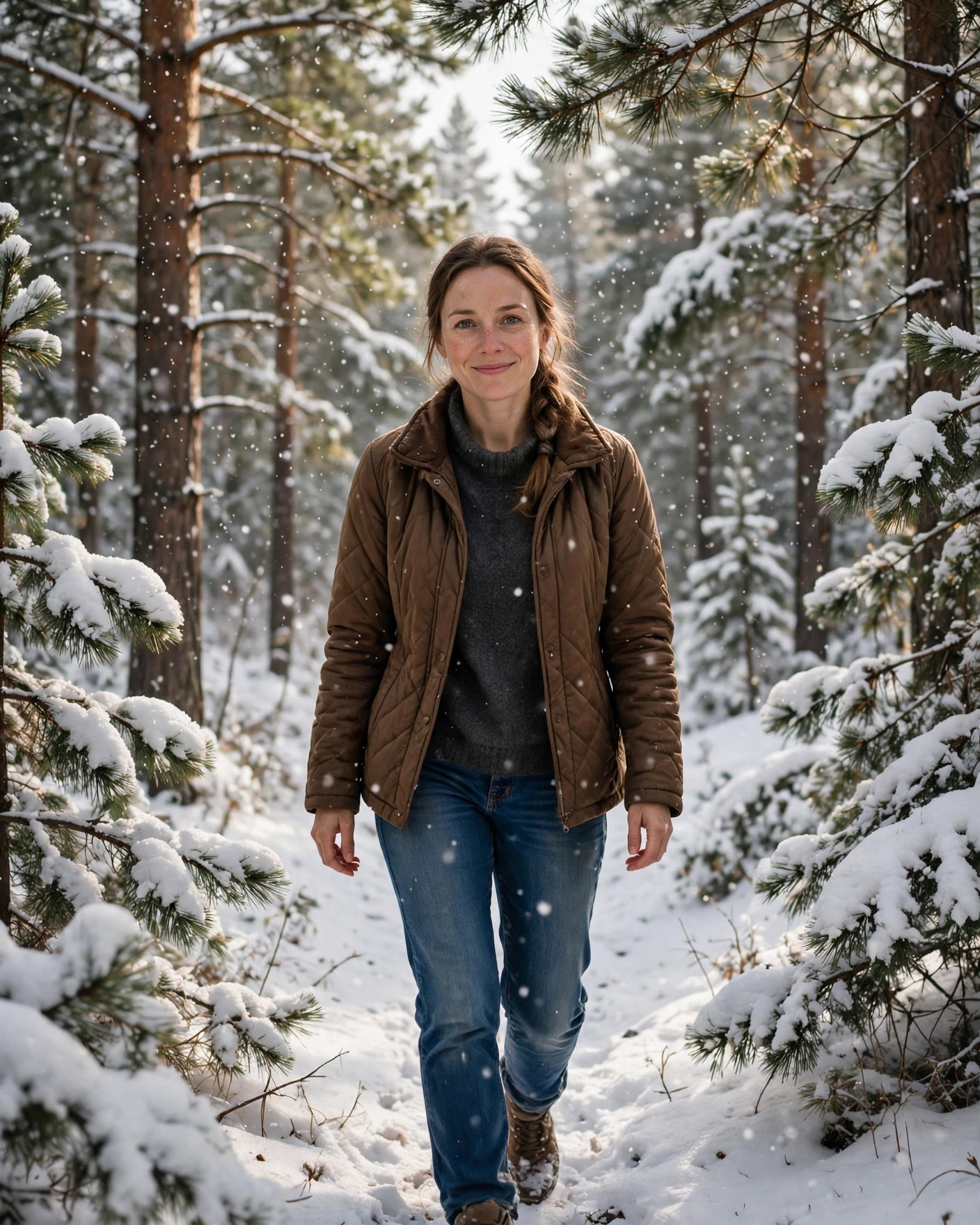
Mood: peaceful · Forest with snow-covered trees · Soft natural light
The person in my photo walking through a quiet snowy forest, wearing a brown jacket and jeans, smiling gently as tall pine trees covered in snow rise around and soft snowflakes drift down through the branches, soft natural light on the face, peaceful and fresh snowy forest look. Keep my face exactly the same as in the uploaded photo.
4. Winter Cafe
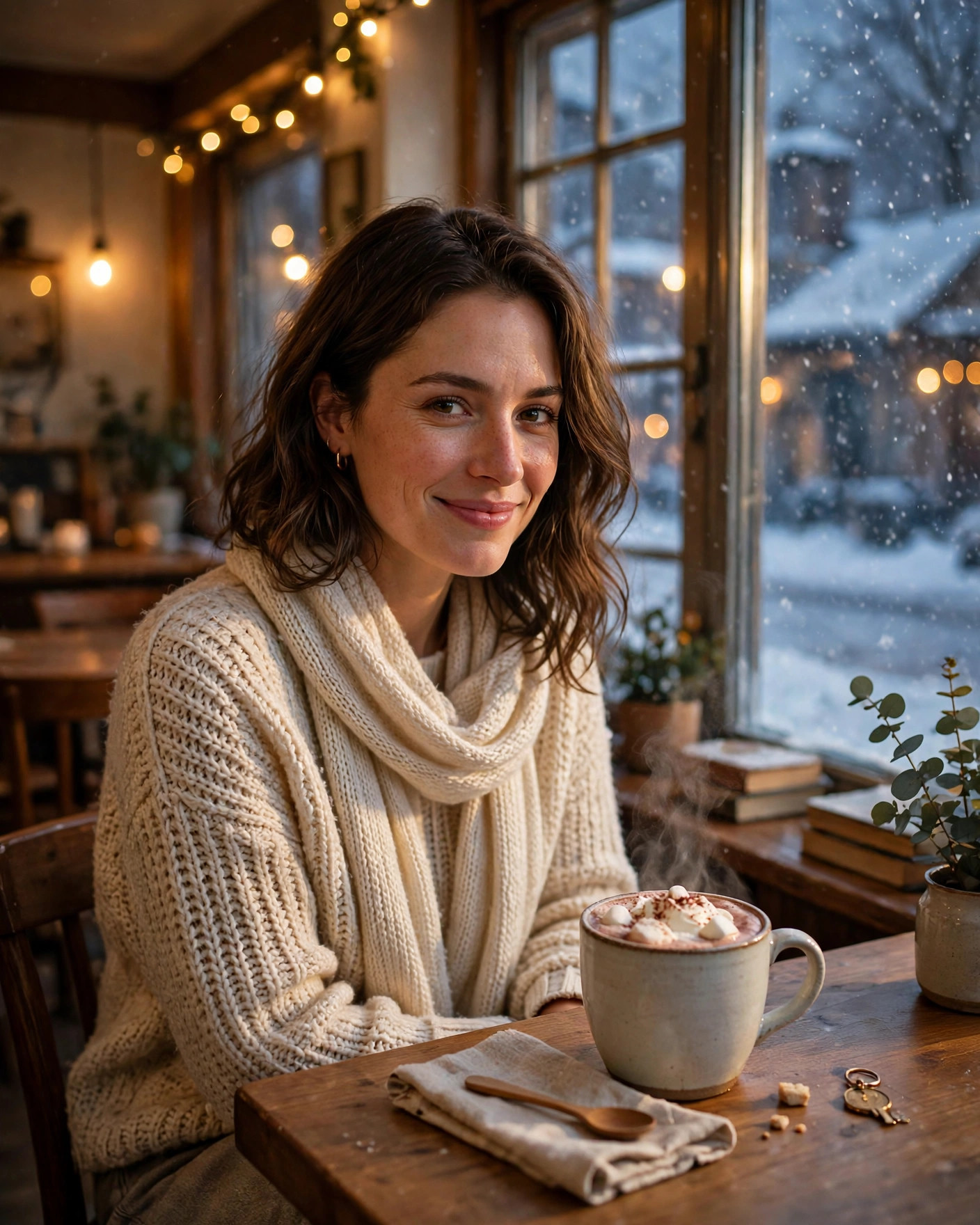
Mood: cosy · Cafe with warm lights and snow outside · Warm evening light
The person in my photo sitting in a cosy cafe by the window, wearing a cream sweater and scarf, smiling softly over a cup of hot chocolate as snow falls outside the glass and warm lights and wooden tables glow behind, warm evening light on the face, cosy and relaxed winter cafe look. Keep my face exactly the same as in the uploaded photo.
5. Snow at Night
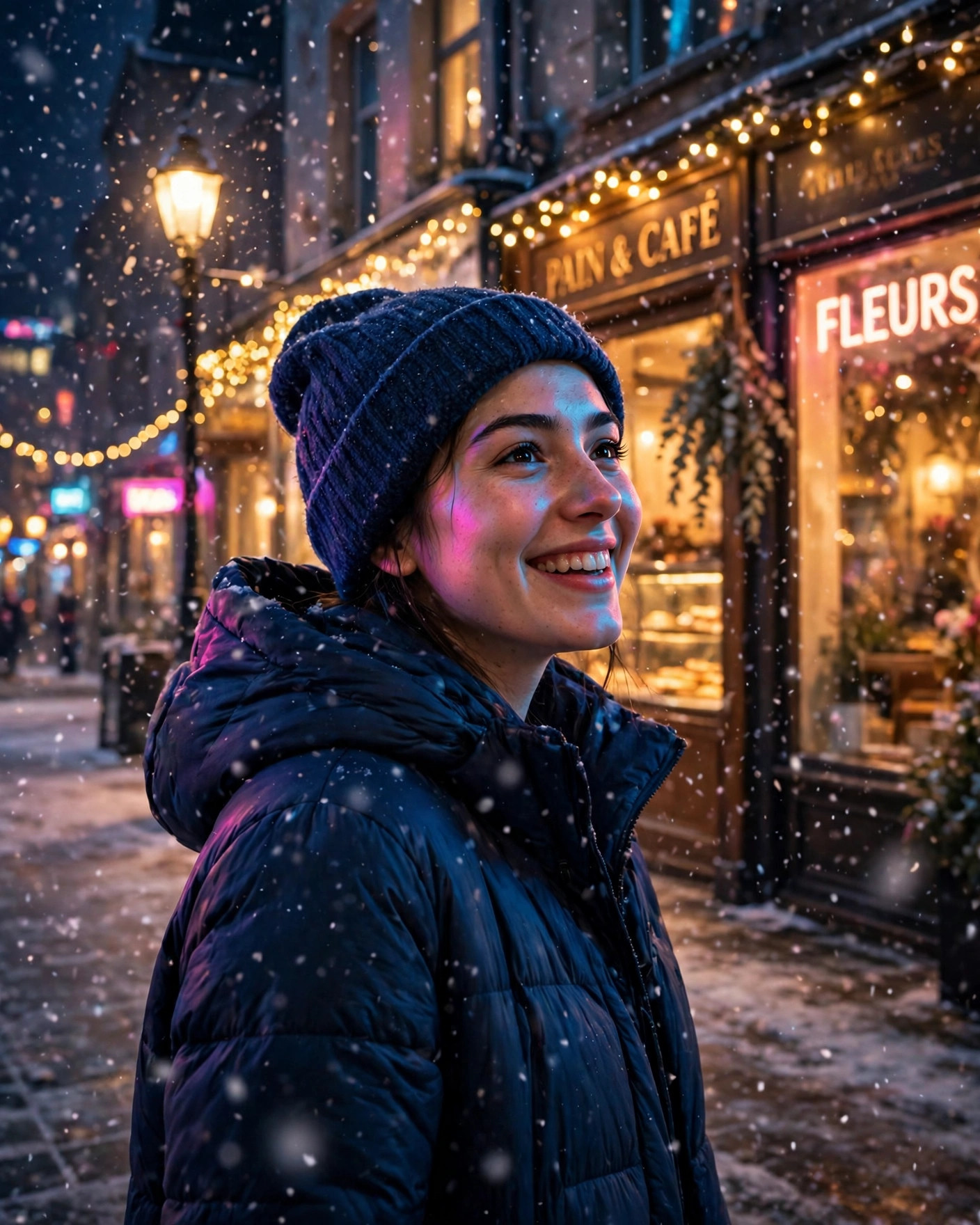
Mood: dreamy · Night street with glowing lights and snow · Colourful evening light
The person in my photo standing on a snowy street at night, wearing a dark blue coat and beanie, smiling as snowflakes sparkle under the street lights and glowing shop windows and fairy lights shine behind, colourful evening light on the face, dreamy and cinematic snow at night look. Keep my face exactly the same as in the uploaded photo.
6. Skiing Look
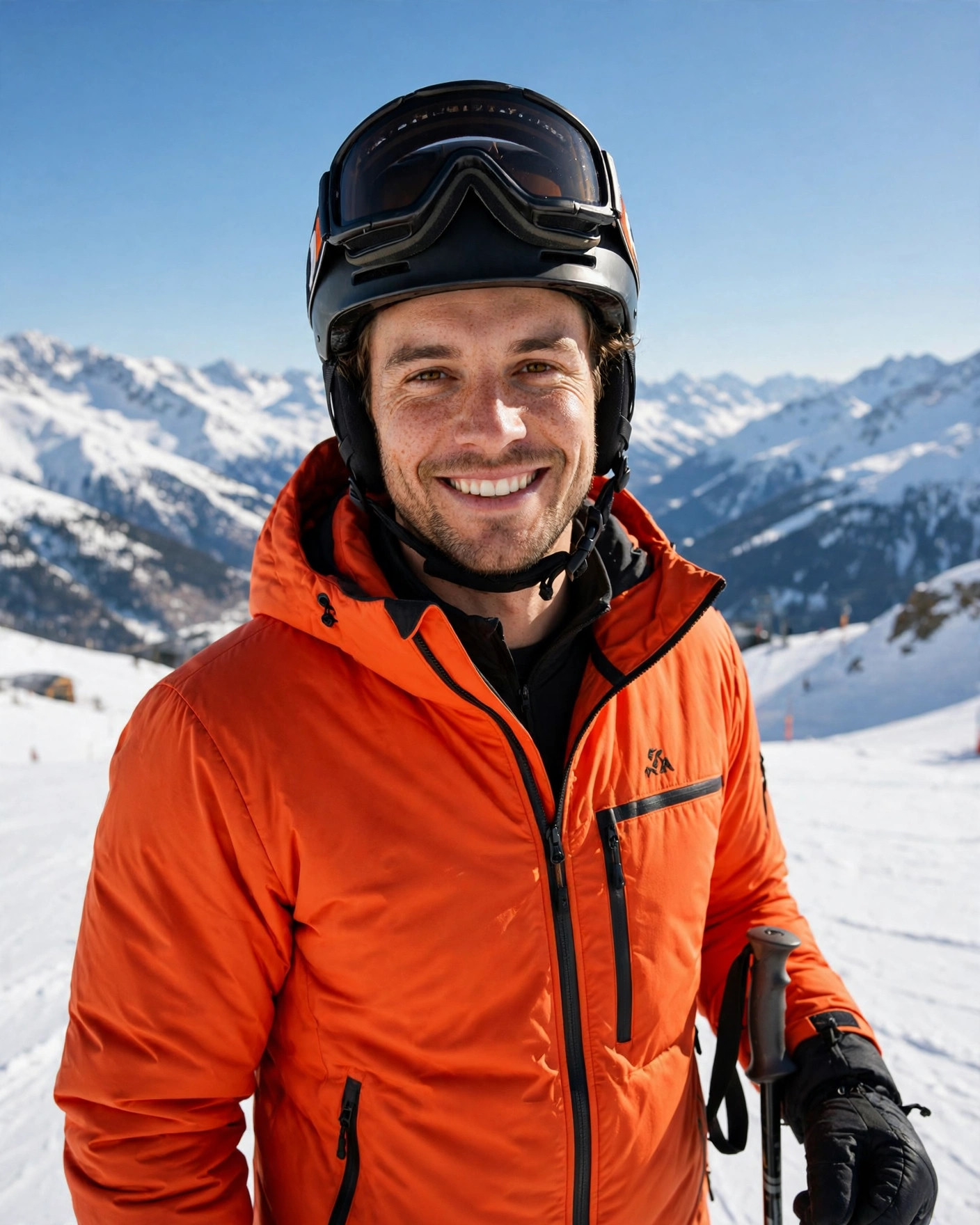
Mood: energetic · Ski slope with snowy mountains · Bright daylight
The person in my photo standing on a ski slope in full skiing gear, wearing a bright orange ski jacket, helmet and goggles pushed up, smiling confidently as snowy mountains and a clear blue sky stretch behind, bright daylight on the face, energetic and sporty skiing look. Keep my face exactly the same as in the uploaded photo.
7. Snowy Mountain
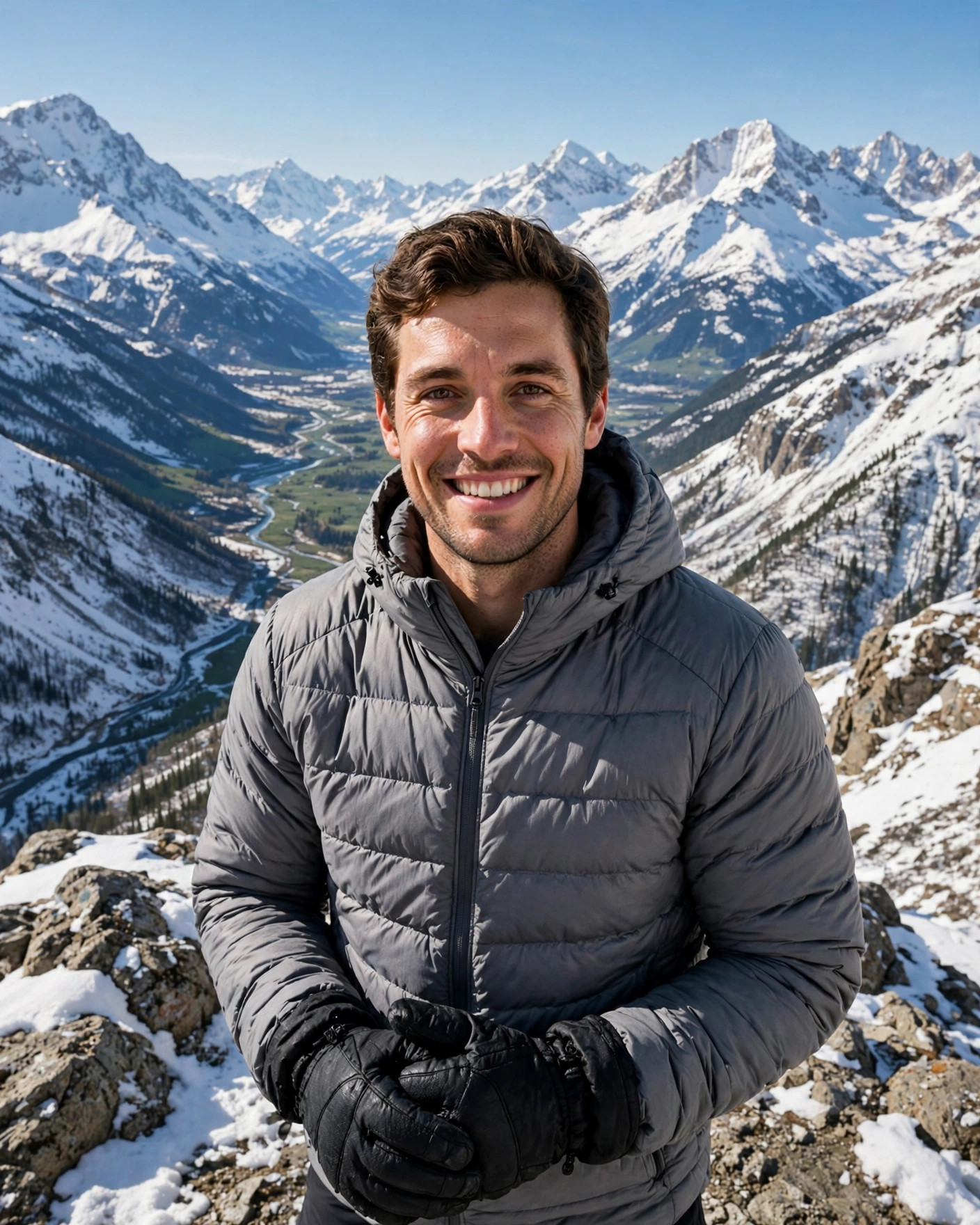
Mood: adventurous · Mountain viewpoint with snow peaks · Clear daylight
The person in my photo standing at a snowy mountain viewpoint, wearing a grey puffer jacket and gloves, smiling proudly as snow-covered peaks, a clear sky and a winding valley stretch behind, clear daylight on the face, adventurous and premium snowy mountain look. Keep my face exactly the same as in the uploaded photo.
8. Cosy Winter Sweater
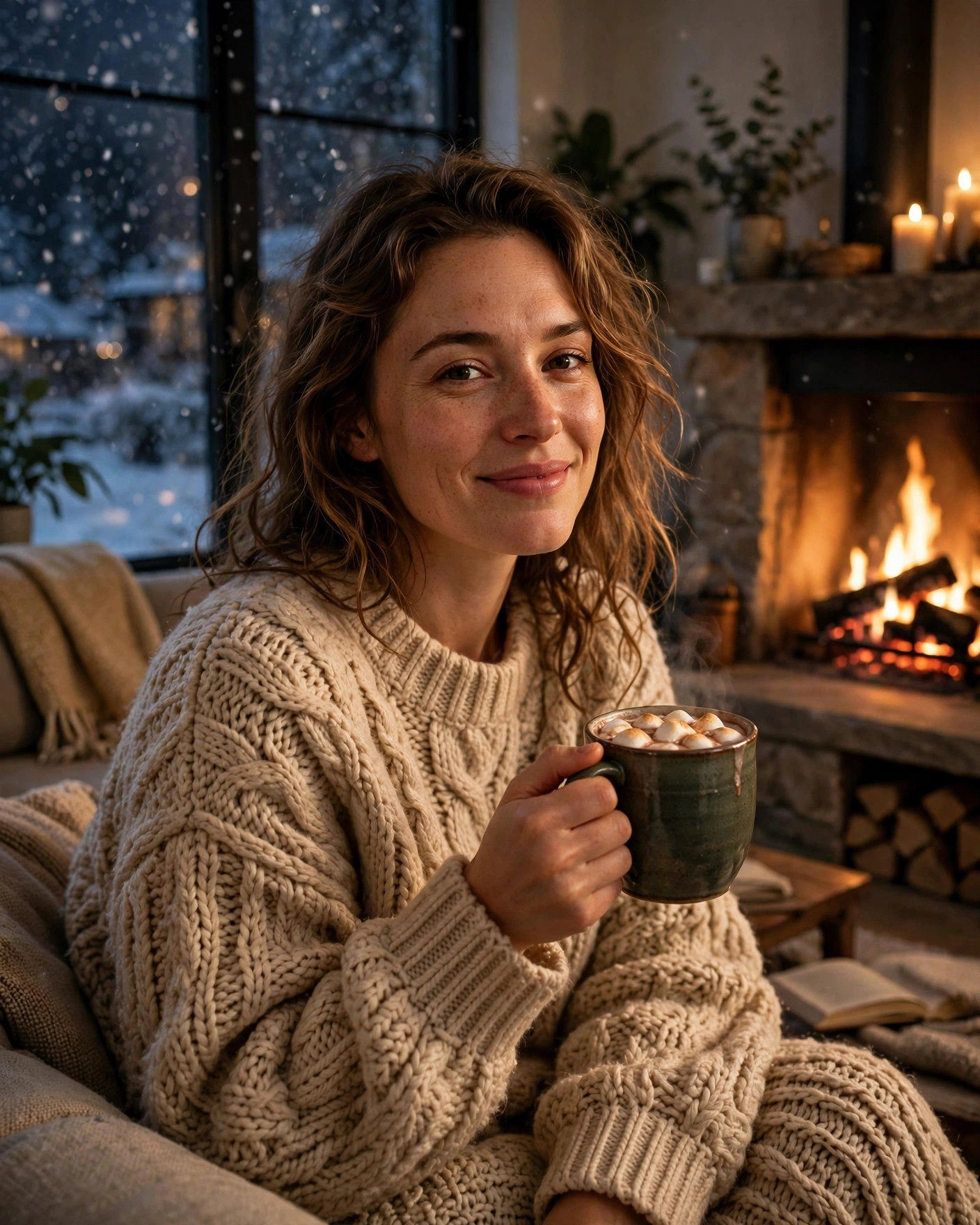
Mood: warm · Living room with a fireplace and snow outside · Warm indoor light
The person in my photo sitting in a warm living room in a chunky knitted sweater, holding a mug of hot chocolate and smiling softly as a glowing fireplace crackles nearby and snow falls past the window behind, warm indoor light on the face, warm and cosy winter sweater look. Keep my face exactly the same as in the uploaded photo.
Final words
The snowy street and snow at night prompts look best for a magical DP, and the skiing look and snowy mountain prompts are a strong pick for stories and reels.
More prompts you will love
- More AI photo prompts
- Trending prompts this week
- Winter snow prompts for girls
FAQ
Are these winter snow prompts free?
Yes. Copy and use them as many times as you like, no sign-up needed.
Will my face stay the same?
Most of the time, yes. AI tools can still change small details, so generate again if something looks different.
Do these prompts work in ChatGPT too?
Yes. For ChatGPT, swap the last line with the ChatGPT line from the tips above.
Can I use someone else’s photo?
Only with their permission. Ask before you upload anyone else’s photo to an AI tool.