Professional Headshot AI Photo Prompts
Quick Answer
Here are 8 professional headshot AI photo prompts that work in Gemini and ChatGPT. Tap Copy Prompt, open Gemini or ChatGPT, upload one clear photo of yourself and paste the prompt.
A good headshot is all about clean light, a calm expression, a neat outfit and a simple background. These prompts cover office, studio, outdoor, LinkedIn, corporate, creative, formal and casual professional looks, so every photo looks sharp, confident and perfect for your profile.
What’s inside these prompts
- Office Headshot
- Studio Headshot
- Outdoor Headshot
- LinkedIn Headshot
- Corporate Headshot
- Creative Headshot
- Formal Headshot
- Casual Professional Headshot
| Prompt | Mood | Setting | Light |
|---|---|---|---|
| Office Headshot | confident | Modern office with glass walls | Soft office light |
| Studio Headshot | clean | Photo studio with plain backdrop | Soft studio light |
| Outdoor Headshot | fresh | Park with soft greenery | Natural daylight |
| LinkedIn Headshot | friendly | Neutral background indoors | Soft even light |
| Corporate Headshot | sharp | Office lobby with tall windows | Bright daylight |
| Creative Headshot | bold | Creative studio with art props | Soft directional light |
| Formal Headshot | elegant | Classic room with bookshelves | Warm indoor light |
| Casual Professional Headshot | relaxed | Bright cafe with plants | Soft natural light |
How to use these prompts
- Choose a prompt below and tap Copy Prompt.
- Open Gemini or ChatGPT on your phone or computer.
- Upload one clear photo where your face is straight to the camera.
- Paste the prompt in the same message and send it.
- If you don’t like the result, generate again before changing the prompt.
Tips for a better result
- Use a clear, recent photo. Good light and no sunglasses help the AI keep your face.
- Change one thing at a time. Swap only the colour, outfit or place if the result is close.
- Using ChatGPT? If the face changes, replace the last line with: “Use my uploaded photo as the reference and do not change my facial features.”
- Try 2-3 times. Every result is a little different, so keep the best one.
8 Professional Headshot AI Photo Prompts
1. Office Headshot
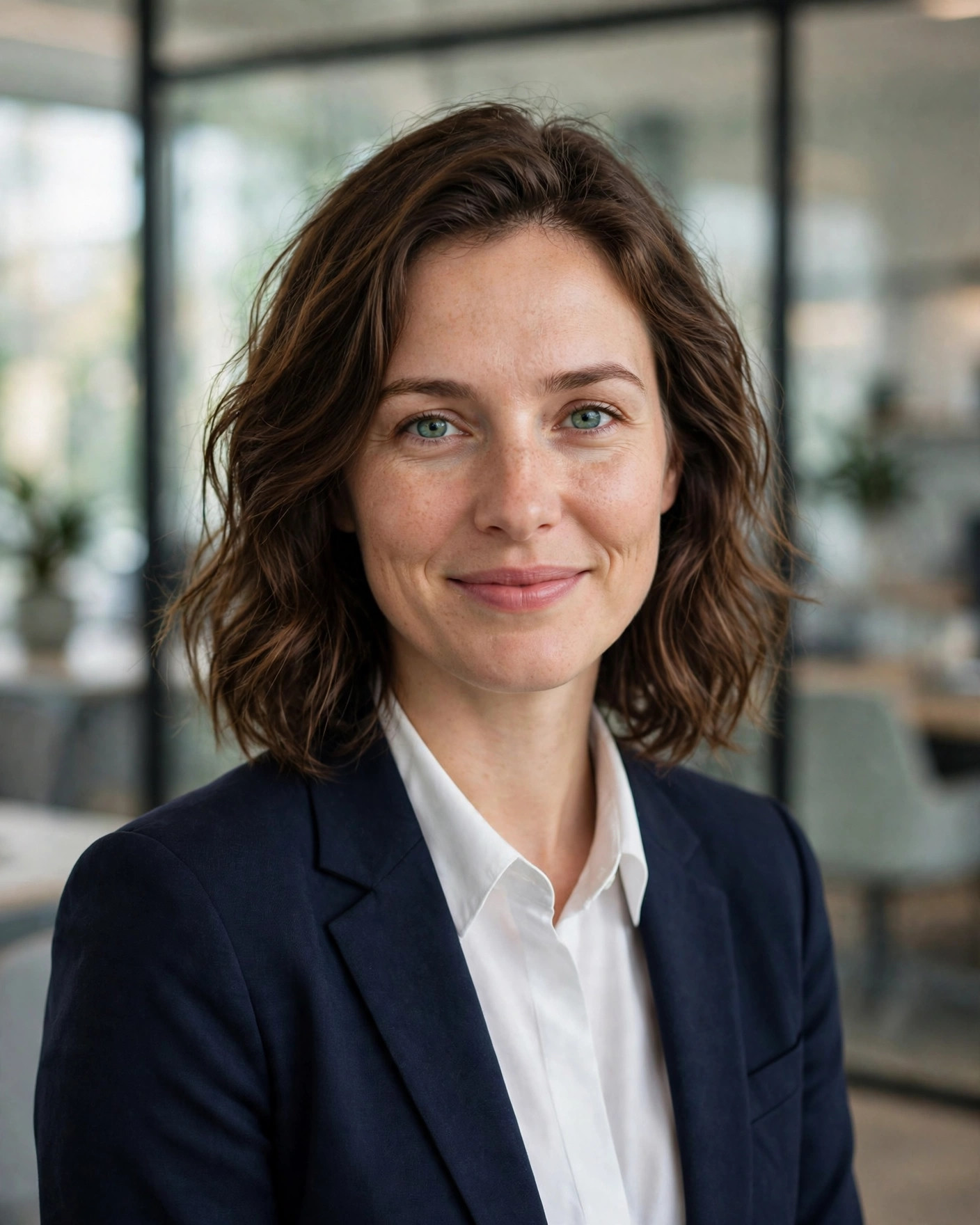
Mood: confident · Modern office with glass walls · Soft office light
The person in my photo posing for a professional office headshot, wearing a navy blazer over a white shirt, smiling gently at the camera as a modern office with glass walls and soft desks blurs behind, soft office light on the face, confident and polished office headshot look. Keep my face exactly the same as in the uploaded photo.
2. Studio Headshot
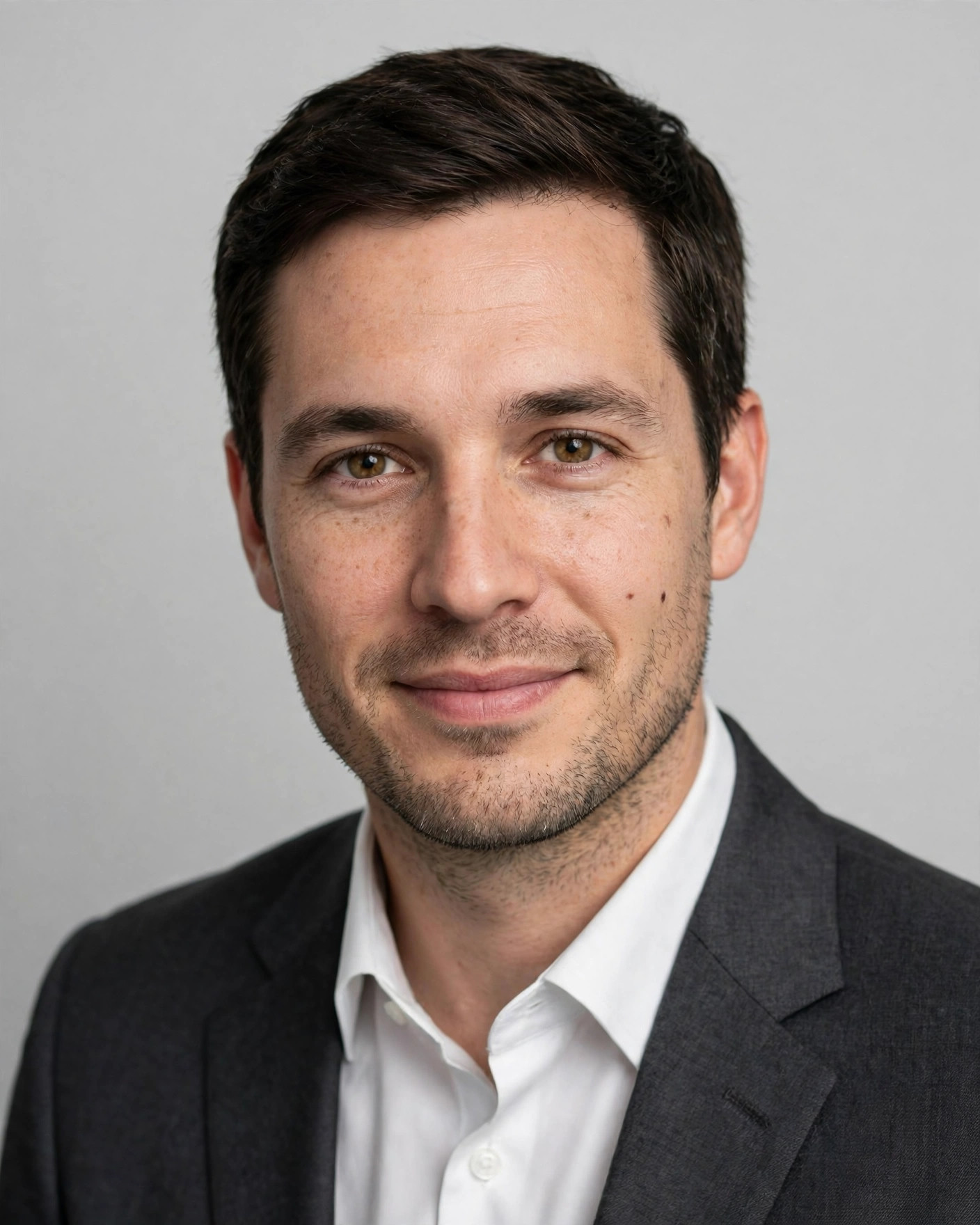
Mood: clean · Photo studio with plain backdrop · Soft studio light
The person in my photo posing for a clean studio headshot, wearing a dark grey suit and a plain shirt, looking calmly at the camera with a soft smile in front of a plain light grey backdrop, soft studio light shaping the face, clean and sharp studio headshot look. Keep my face exactly the same as in the uploaded photo.
3. Outdoor Headshot
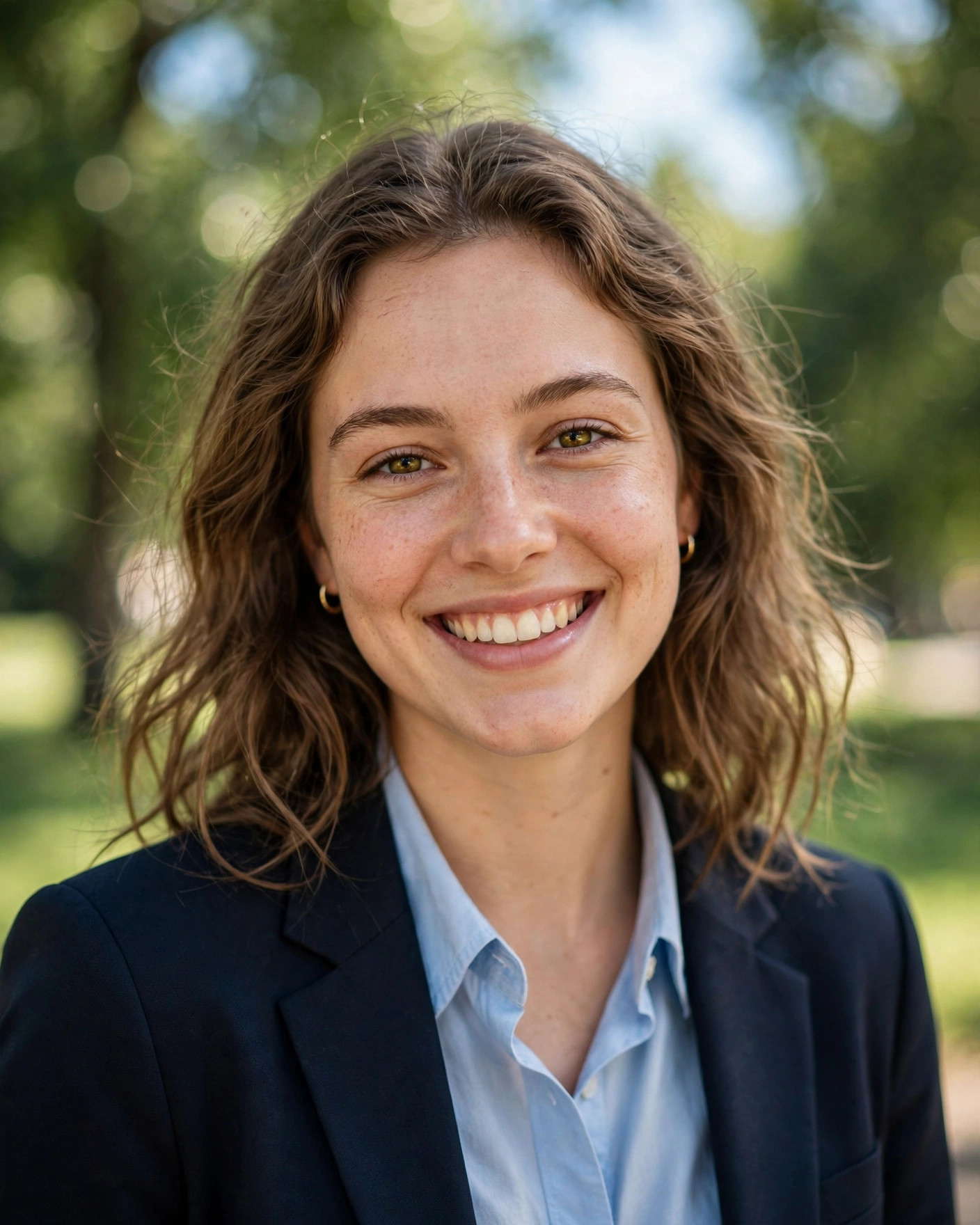
Mood: fresh · Park with soft greenery · Natural daylight
The person in my photo posing for a fresh outdoor headshot, wearing a light blue shirt and a smart jacket, smiling warmly as soft green trees and a bright sky blur behind, natural daylight on the face, fresh and natural outdoor headshot look. Keep my face exactly the same as in the uploaded photo.
4. LinkedIn Headshot

Mood: friendly · Neutral background indoors · Soft even light
The person in my photo posing for a friendly LinkedIn headshot, wearing a teal blazer over a white top, smiling warmly at the camera against a plain neutral background, soft even light on the face, friendly and approachable LinkedIn headshot look. Keep my face exactly the same as in the uploaded photo.
5. Corporate Headshot
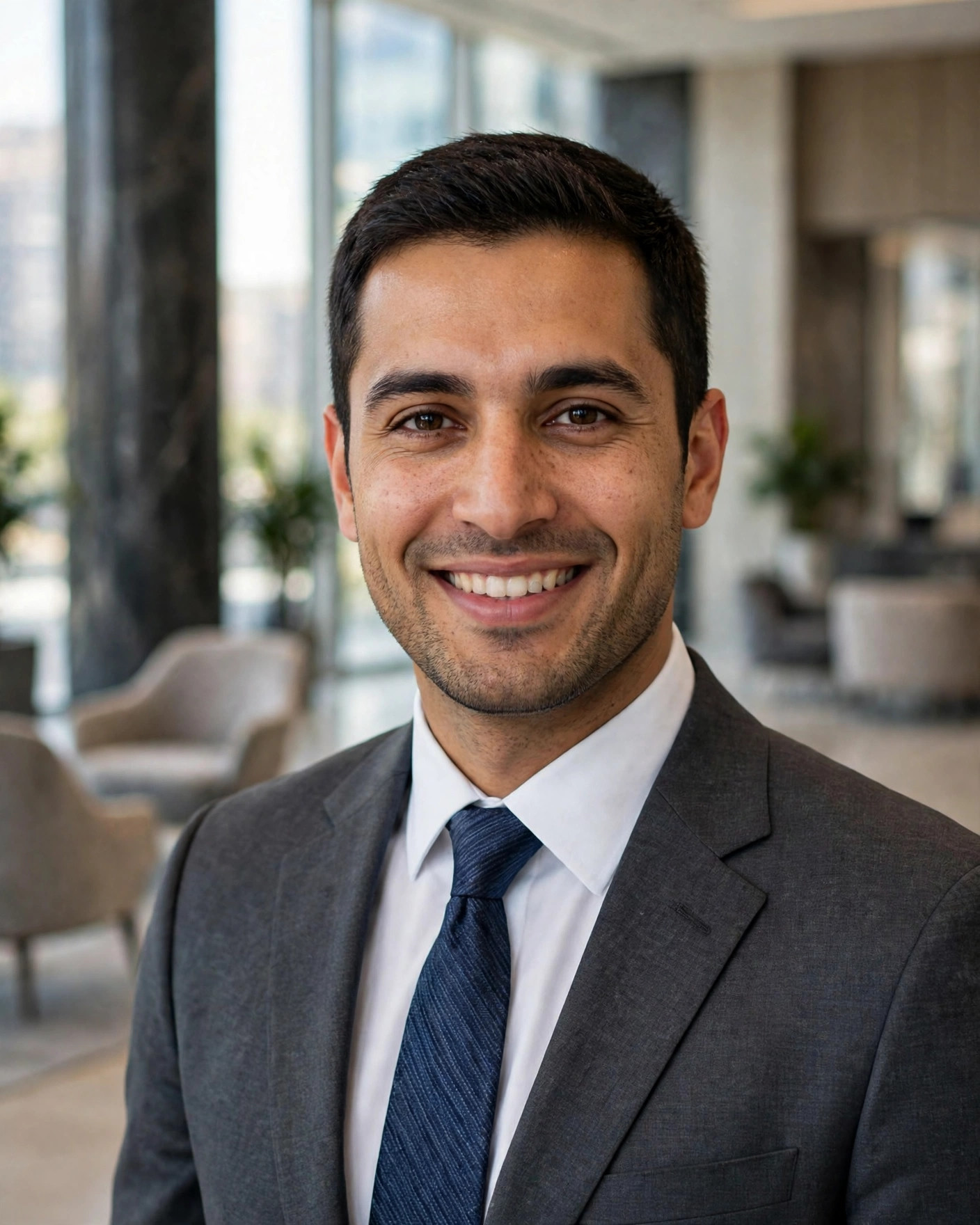
Mood: sharp · Office lobby with tall windows · Bright daylight
The person in my photo posing for a sharp corporate headshot, wearing a charcoal suit with a tie, standing tall with a confident smile as an office lobby with tall windows and soft chairs blurs behind, bright daylight on the face, sharp and executive corporate headshot look. Keep my face exactly the same as in the uploaded photo.
6. Creative Headshot
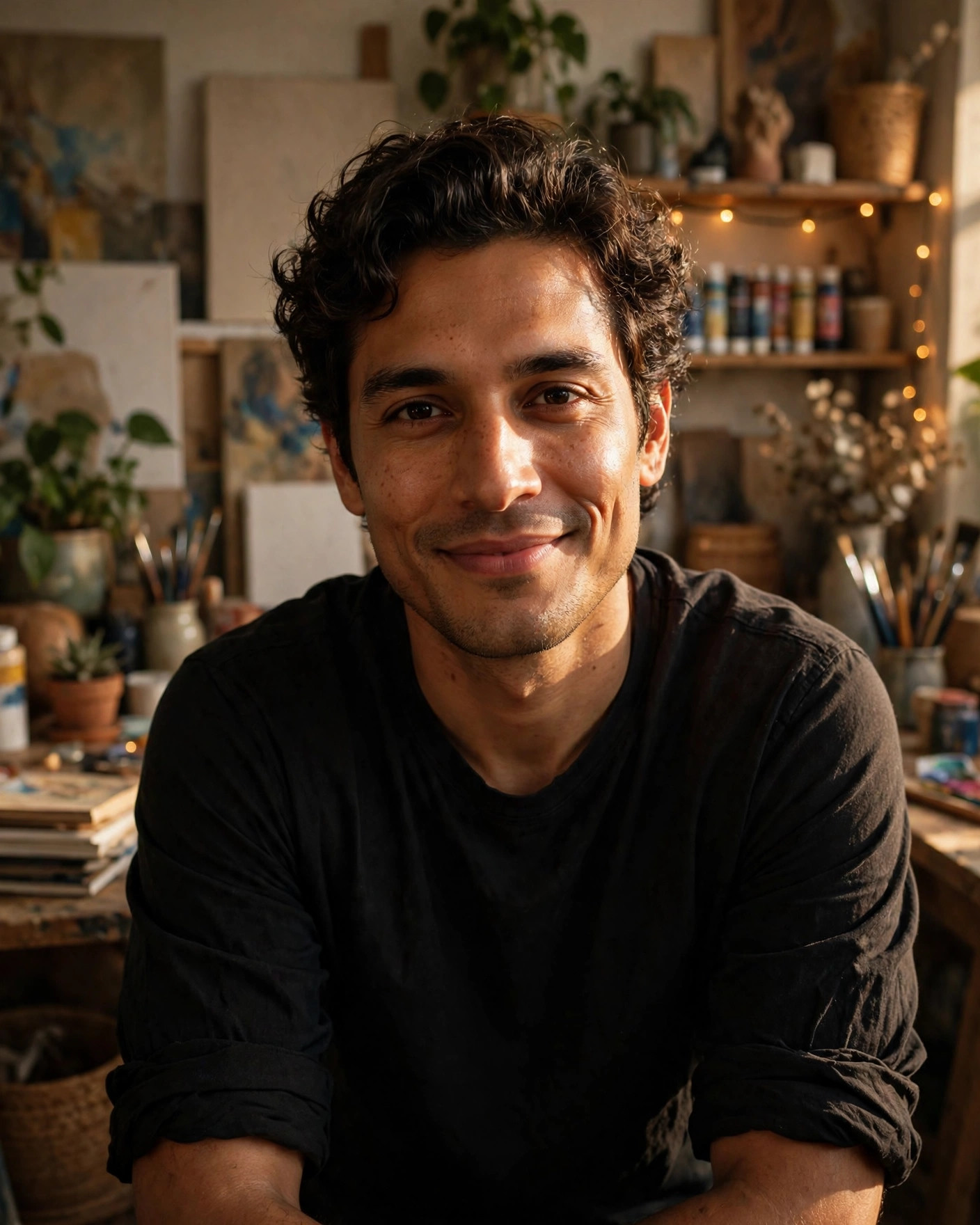
Mood: bold · Creative studio with art props · Soft directional light
The person in my photo posing for a bold creative headshot, wearing a black shirt with rolled sleeves, smiling softly as a creative studio with canvases, plants and warm shelves glows behind, soft directional light on the face, bold and expressive creative headshot look. Keep my face exactly the same as in the uploaded photo.
7. Formal Headshot
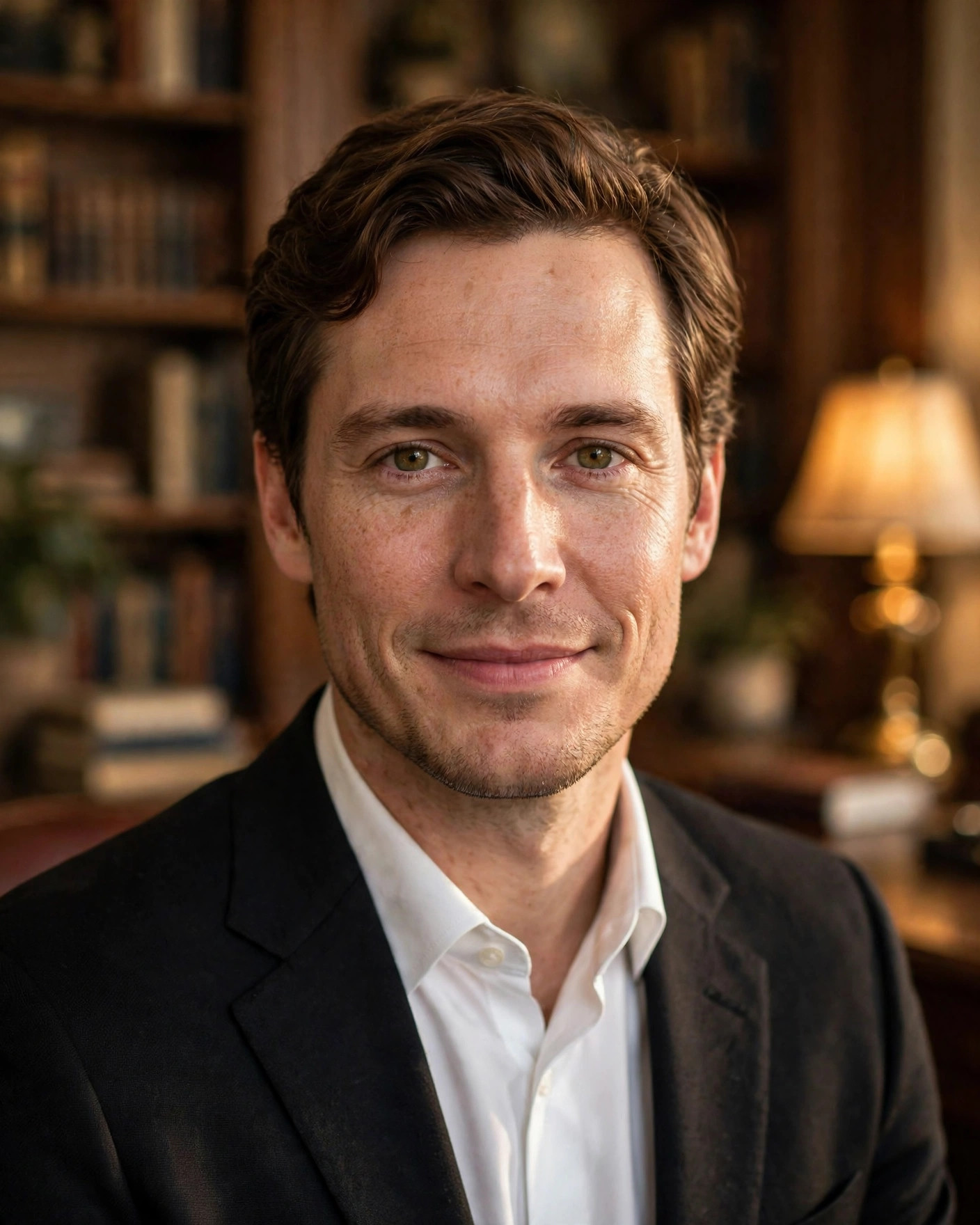
Mood: elegant · Classic room with bookshelves · Warm indoor light
The person in my photo posing for an elegant formal headshot, wearing a black suit with a white shirt, looking calmly at the camera with a gentle smile as a classic room with bookshelves and a warm lamp blurs behind, warm indoor light on the face, elegant and timeless formal headshot look. Keep my face exactly the same as in the uploaded photo.
8. Casual Professional Headshot
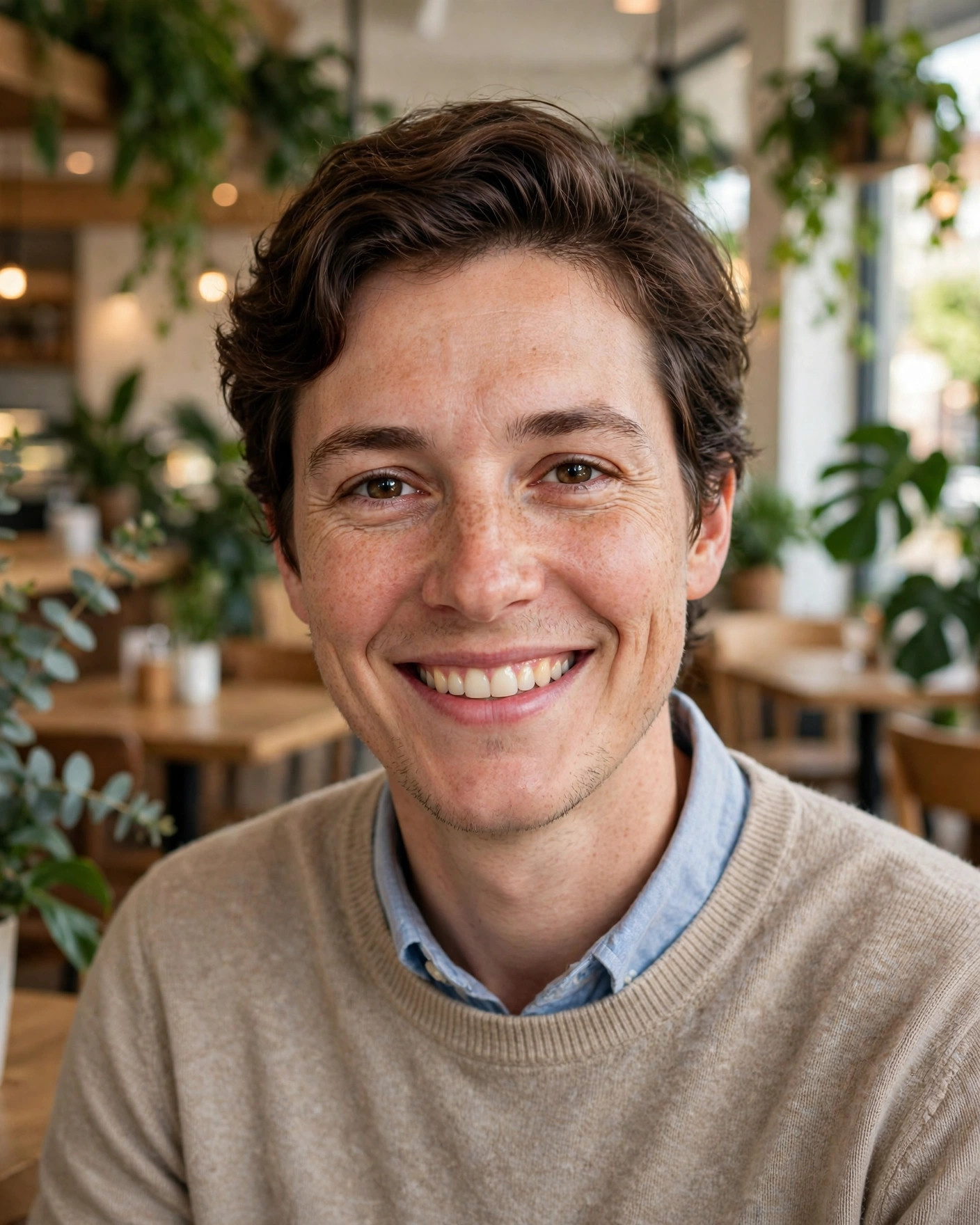
Mood: relaxed · Bright cafe with plants · Soft natural light
The person in my photo posing for a relaxed casual professional headshot, wearing a beige sweater over a collared shirt, smiling warmly as a bright cafe with plants and wooden tables glows behind, soft natural light on the face, relaxed and friendly casual professional headshot look. Keep my face exactly the same as in the uploaded photo.
Final words
The LinkedIn headshot and studio headshot prompts look best for a clean profile picture, and the corporate headshot and outdoor headshot prompts are a strong pick for resumes and portfolios.
More prompts you will love
- More AI photo prompts
- Trending prompts this week
- Professional headshot prompts for boys
FAQ
Are these professional headshot prompts free?
Yes. Copy and use them as many times as you like, no sign-up needed.
Will my face stay the same?
Most of the time, yes. AI tools can still change small details, so generate again if something looks different.
Do these prompts work in ChatGPT too?
Yes. For ChatGPT, swap the last line with the ChatGPT line from the tips above.
Can I use someone else’s photo?
Only with their permission. Ask before you upload anyone else’s photo to an AI tool.