Black and White Portrait AI Photo Prompts
Quick Answer
Here are 8 black and white portrait AI photo prompts that work in Gemini and ChatGPT. Tap Copy Prompt, open Gemini or ChatGPT, upload one clear photo of yourself and paste the prompt.
Black and white portraits are all about strong light, deep shadows, honest expressions and timeless style. These prompts cover studio shots, window light, street portraits, vintage looks and dramatic shadows, so every photo looks classic, artistic and perfect for your profile.
What’s inside these prompts
- Studio Portrait
- Window Light Portrait
- Street Portrait
- Vintage Portrait
- Dramatic Shadow Portrait
- Outdoor Portrait
- Close-Up Portrait
- Artistic Portrait
| Prompt | Mood | Setting | Light |
|---|---|---|---|
| Studio Portrait | confident | Photo studio with plain backdrop | Soft studio light |
| Window Light Portrait | gentle | By a large window indoors | Soft window light |
| Street Portrait | bold | City street with old walls | Natural daylight |
| Vintage Portrait | nostalgic | Old room with classic furniture | Warm lamp light |
| Dramatic Shadow Portrait | intense | Dark room with strong side light | Hard side light |
| Outdoor Portrait | fresh | Park with trees and open sky | Natural daylight |
| Close-Up Portrait | intimate | Plain background close-up | Soft even light |
| Artistic Portrait | creative | Art studio with props | Soft directional light |
How to use these prompts
- Choose a prompt below and tap Copy Prompt.
- Open Gemini or ChatGPT on your phone or computer.
- Upload one clear photo where your face is straight to the camera.
- Paste the prompt in the same message and send it.
- If you don’t like the result, generate again before changing the prompt.
Tips for a better result
- Use a clear, recent photo. Good light and no sunglasses help the AI keep your face.
- Change one thing at a time. Swap only the colour, outfit or place if the result is close.
- Using ChatGPT? If the face changes, replace the last line with: “Use my uploaded photo as the reference and do not change my facial features.”
- Try 2-3 times. Every result is a little different, so keep the best one.
8 Black and White Portrait AI Photo Prompts
1. Studio Portrait
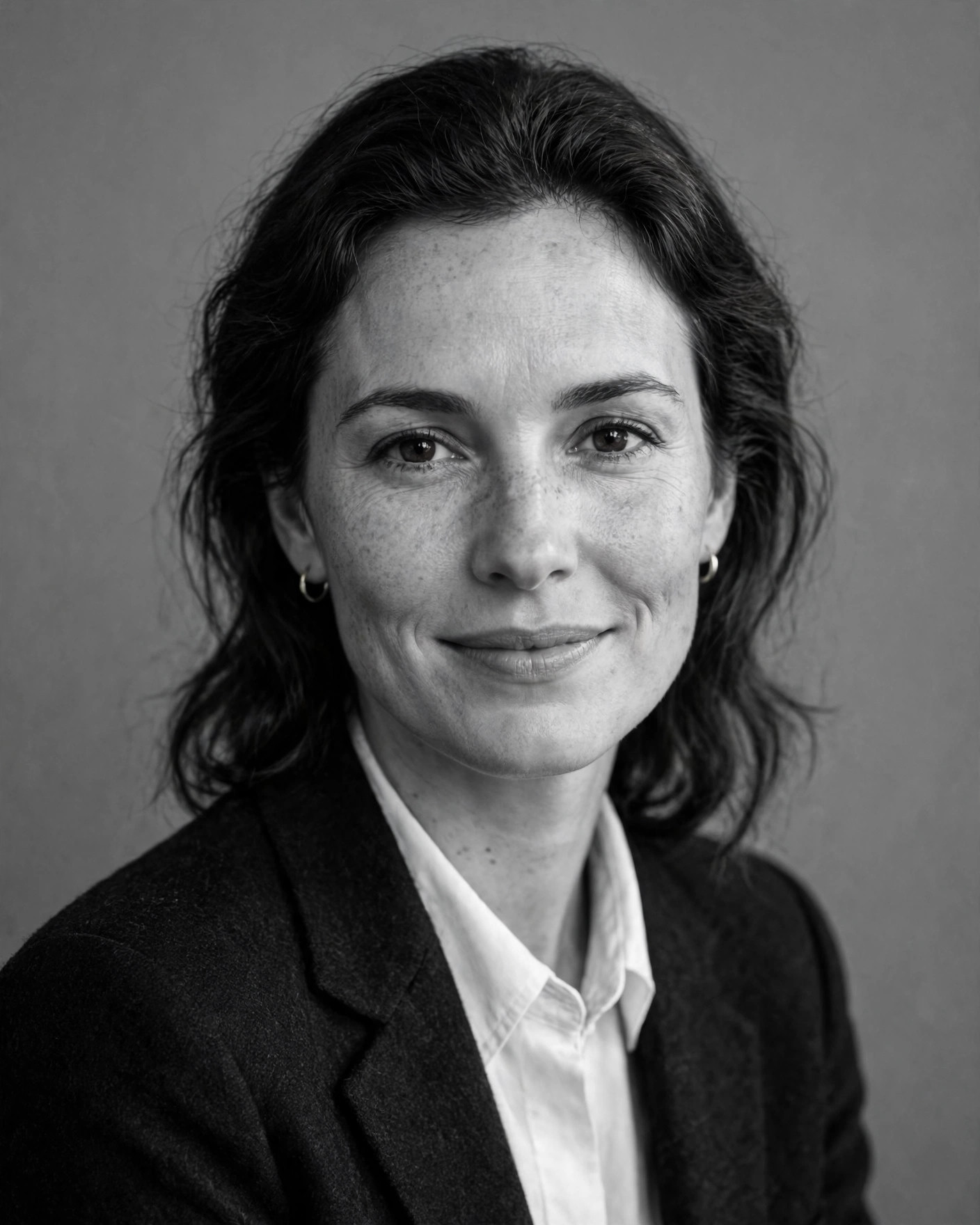
Mood: confident · Photo studio with plain backdrop · Soft studio light
The person in my photo posing for a classic black and white studio portrait, wearing a dark blazer over a white shirt, looking calmly at the camera with a soft smile, standing in front of a plain grey backdrop, soft studio light shaping the face, confident and timeless black and white portrait look. Keep my face exactly the same as in the uploaded photo.
2. Window Light Portrait
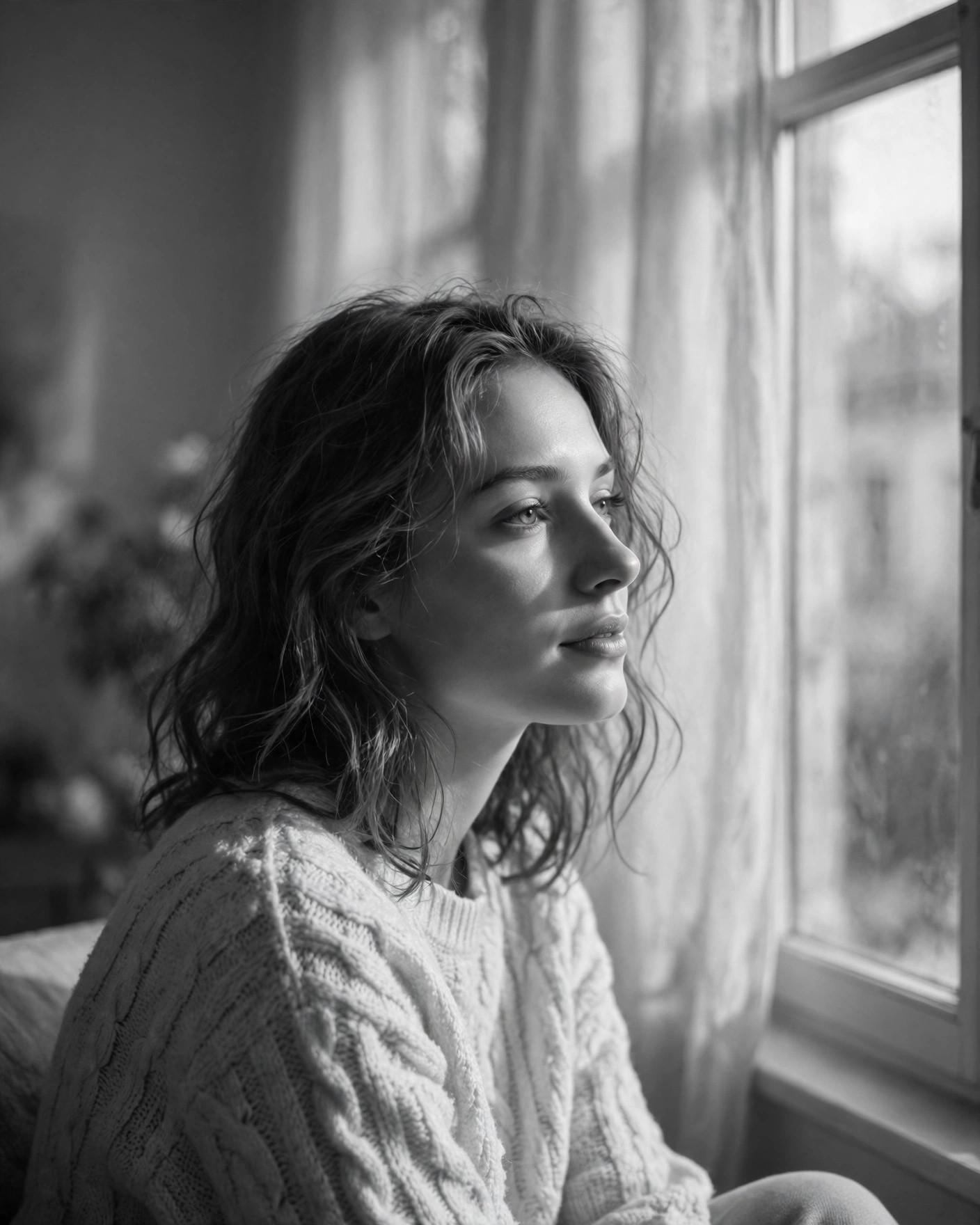
Mood: gentle · By a large window indoors · Soft window light
The person in my photo sitting by a large window in a black and white portrait, wearing a light sweater, gazing softly toward the light as gentle shadows fall across one side of the face, a quiet room and sheer curtains behind, soft window light on the face, gentle and dreamy black and white portrait look. Keep my face exactly the same as in the uploaded photo.
3. Street Portrait
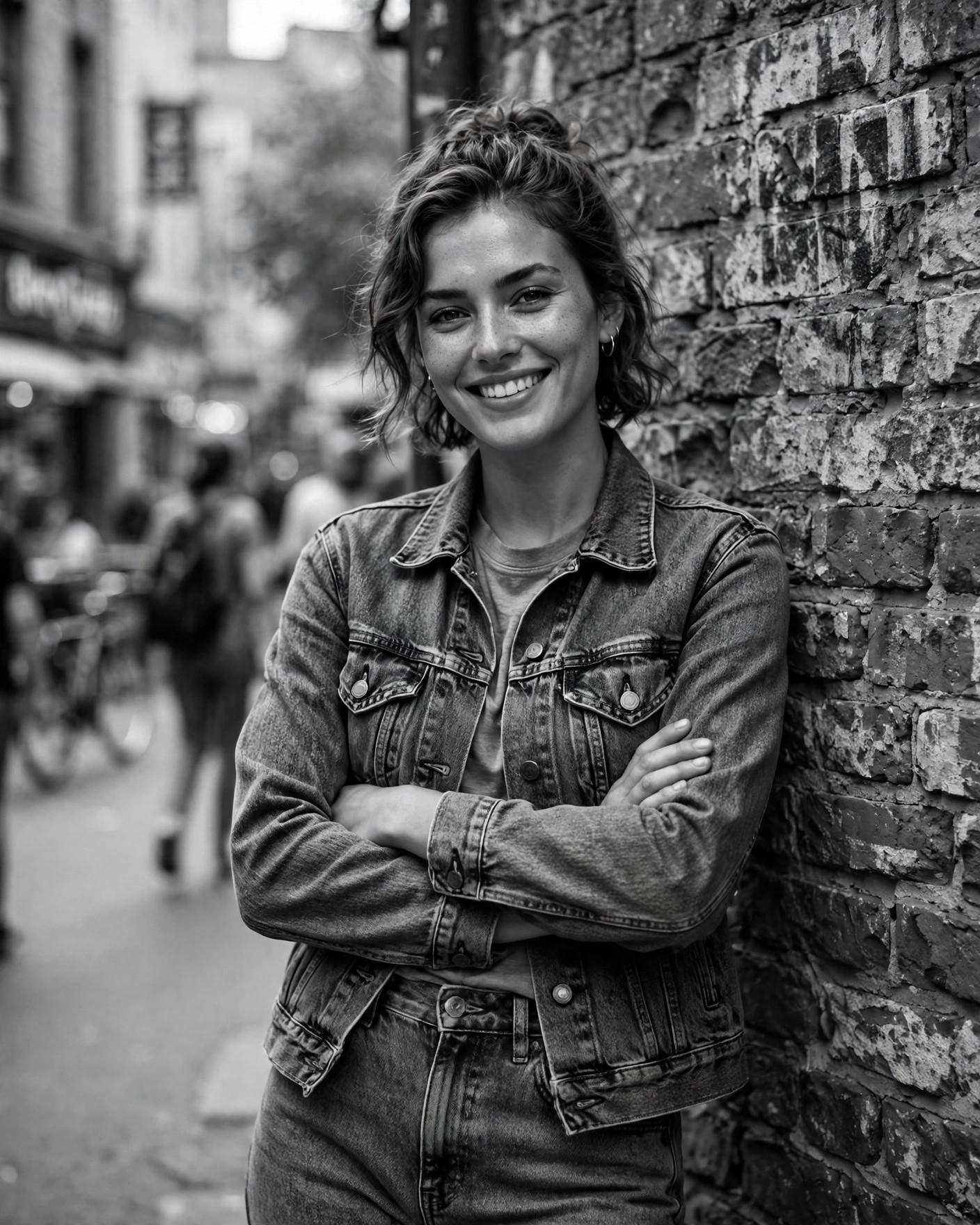
Mood: bold · City street with old walls · Natural daylight
The person in my photo standing against an old brick wall on a city street in a black and white portrait, wearing a denim jacket and jeans, arms crossed with a confident smile as the street and a few passers-by blur behind, natural daylight on the face, bold and urban black and white street portrait look. Keep my face exactly the same as in the uploaded photo.
4. Vintage Portrait
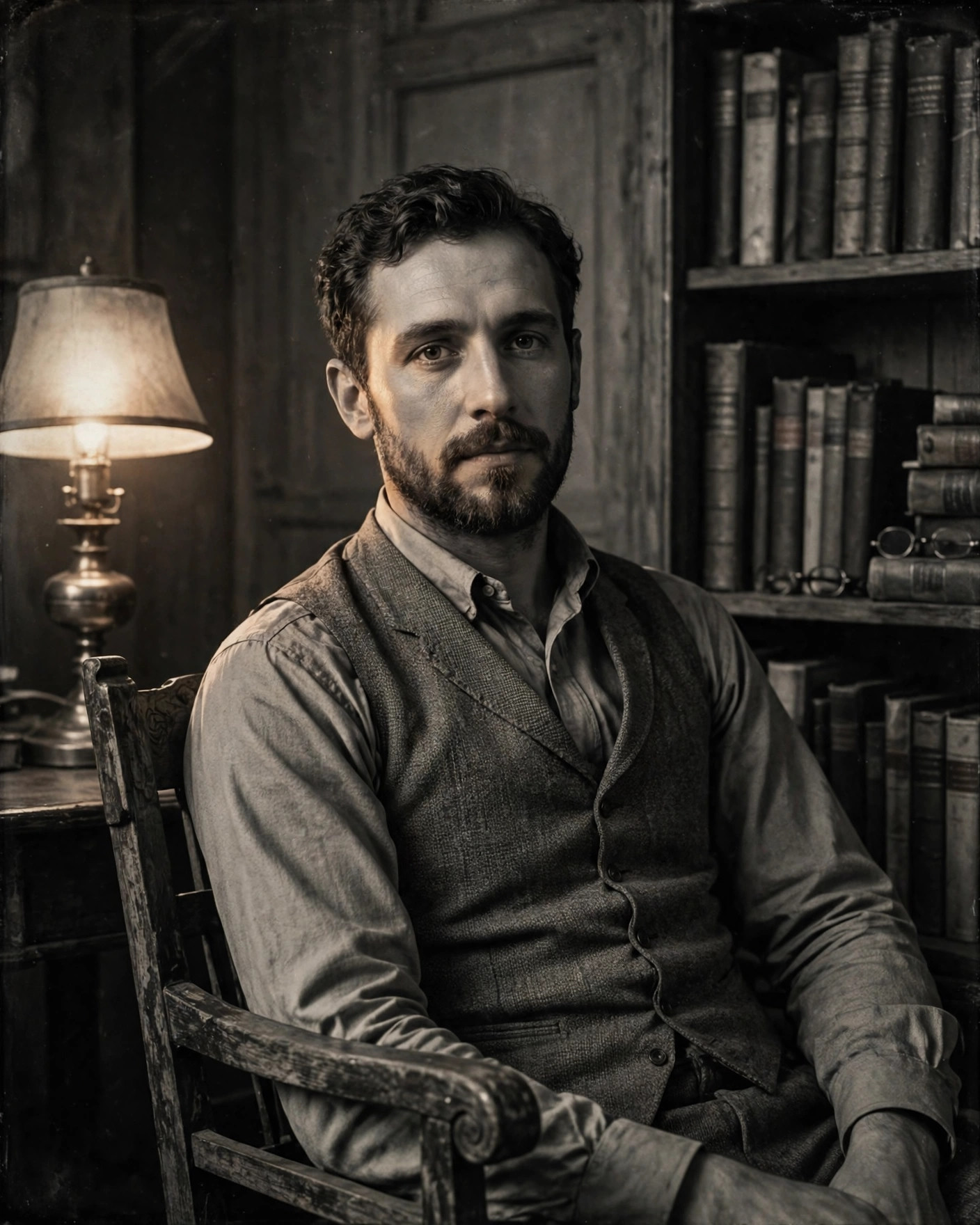
Mood: nostalgic · Old room with classic furniture · Warm lamp light
The person in my photo posing in a vintage black and white portrait, wearing a classic shirt with a waistcoat, sitting in an old wooden chair beside a bookshelf and a warm table lamp, looking thoughtfully at the camera, warm lamp light on the face, nostalgic and elegant vintage portrait look. Keep my face exactly the same as in the uploaded photo.
5. Dramatic Shadow Portrait
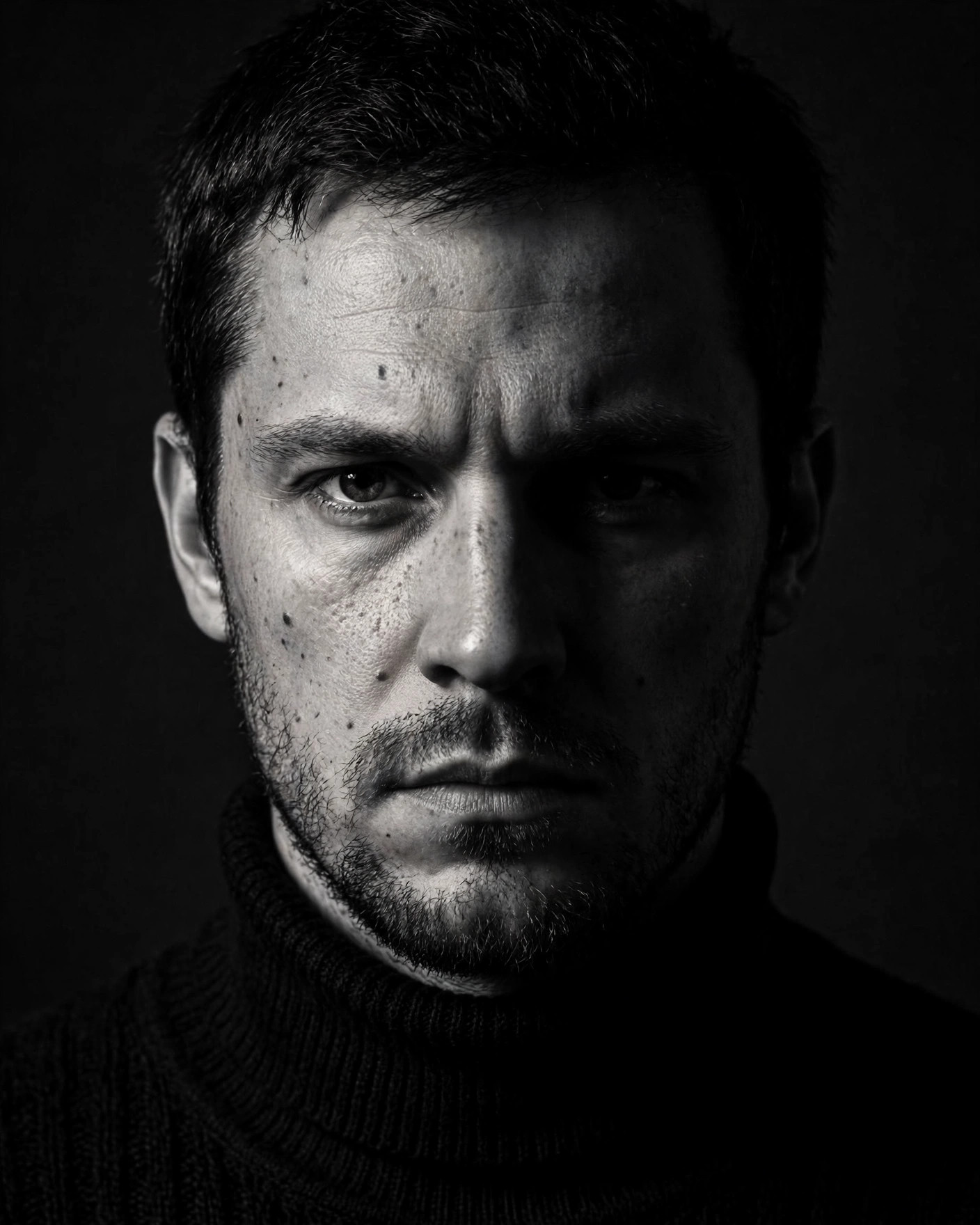
Mood: intense · Dark room with strong side light · Hard side light
The person in my photo in a dramatic black and white portrait, wearing a black turtleneck, half the face lit by a strong side light and half lost in deep shadow, looking straight at the camera with a serious expression, a dark plain background behind, hard side light on the face, intense and artistic shadow portrait look. Keep my face exactly the same as in the uploaded photo.
6. Outdoor Portrait
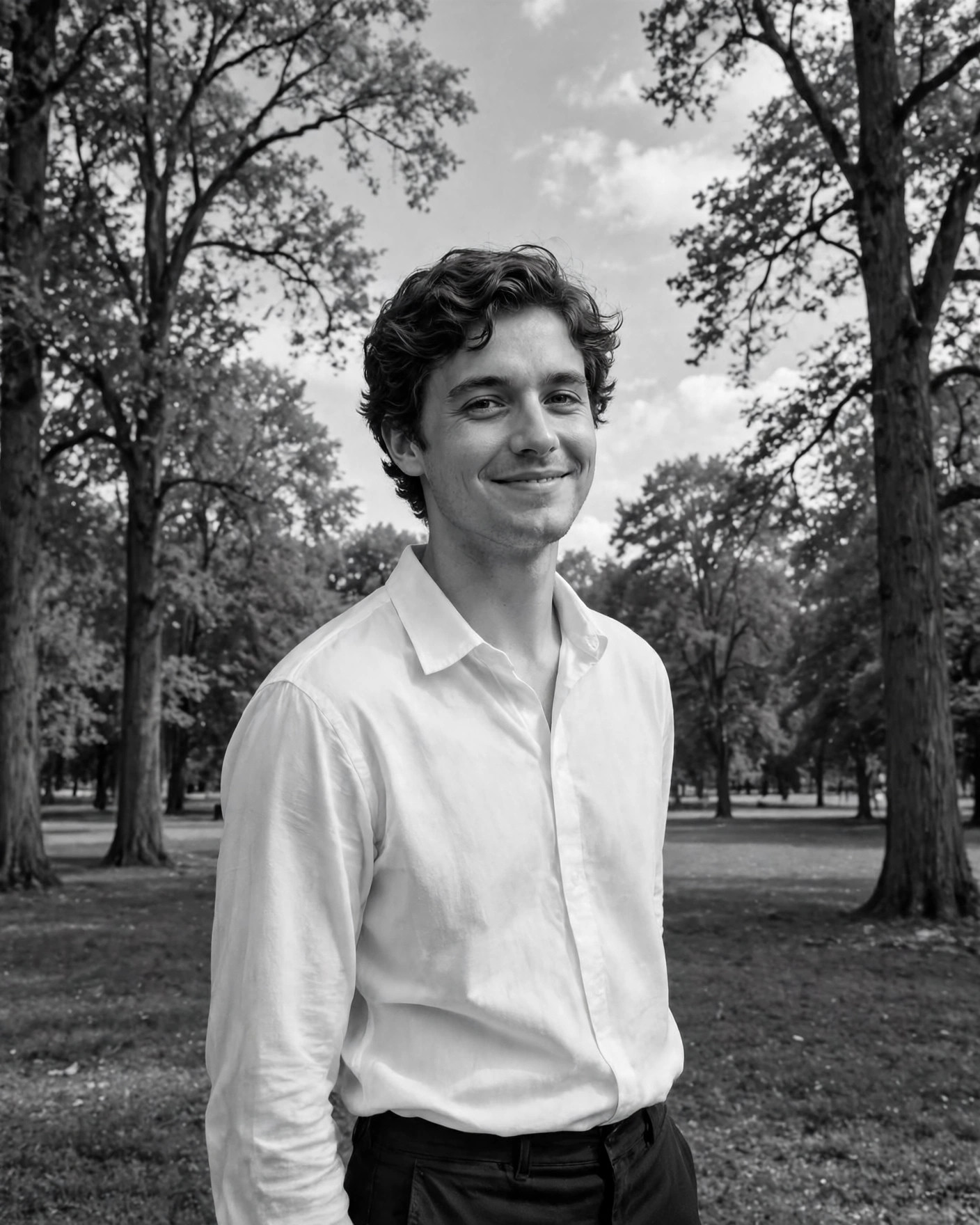
Mood: fresh · Park with trees and open sky · Natural daylight
The person in my photo standing in a park in a black and white portrait, wearing a white shirt and dark trousers, smiling gently as tall trees and an open sky frame the scene behind, soft clouds drifting above, natural daylight on the face, fresh and natural outdoor black and white portrait look. Keep my face exactly the same as in the uploaded photo.
7. Close-Up Portrait
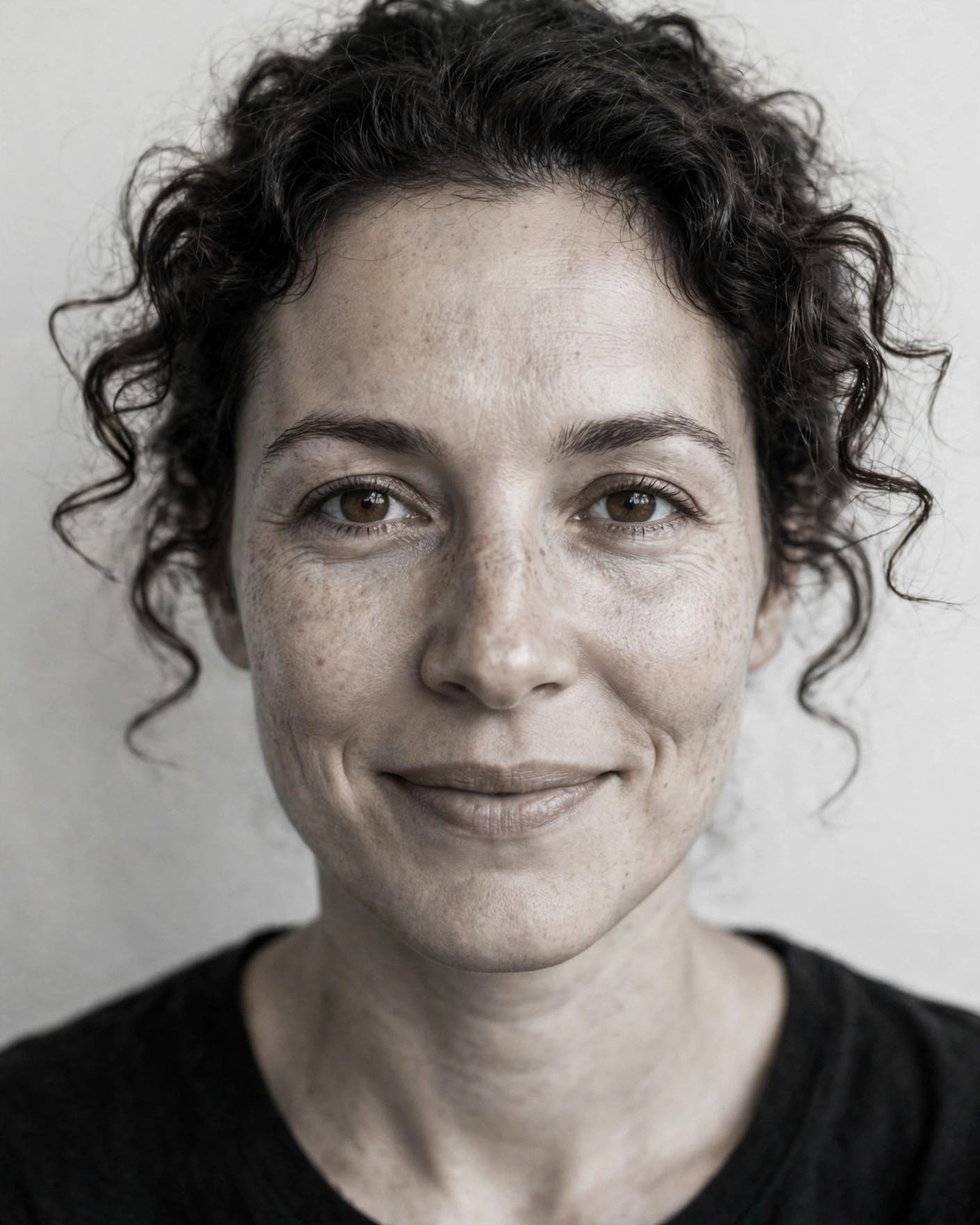
Mood: intimate · Plain background close-up · Soft even light
The person in my photo in a close-up black and white portrait, wearing a simple dark top, face filling the frame with a calm, warm expression and eyes looking directly at the camera, a plain light background behind, soft even light on the face, intimate and honest close-up portrait look. Keep my face exactly the same as in the uploaded photo.
8. Artistic Portrait
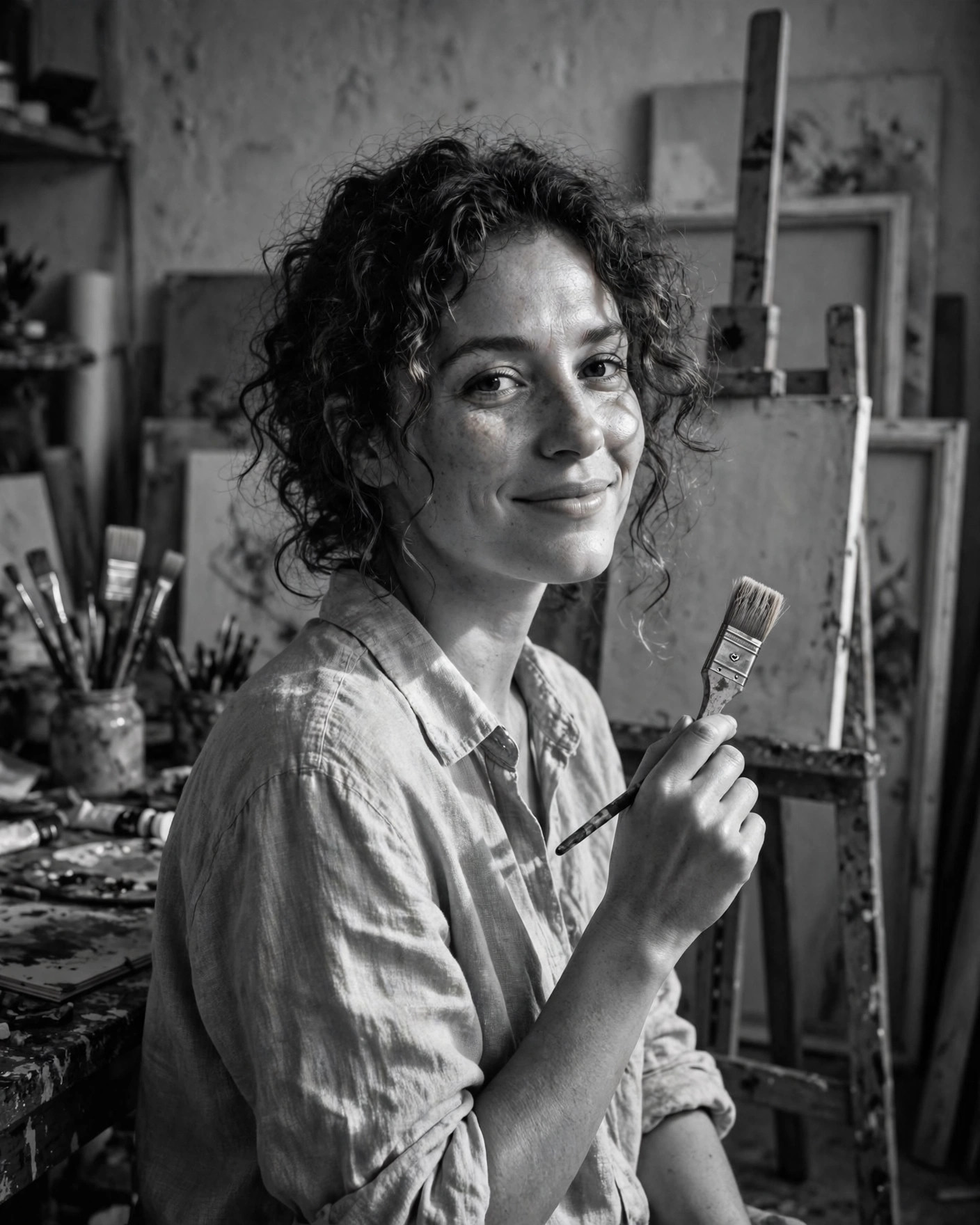
Mood: creative · Art studio with props · Soft directional light
The person in my photo posing in an artistic black and white portrait in an art studio, wearing a loose shirt with rolled sleeves, holding a paintbrush and smiling softly as canvases, brushes and a wooden easel stand behind, soft directional light on the face, creative and expressive artistic portrait look. Keep my face exactly the same as in the uploaded photo.
Final words
The studio portrait and close-up portrait prompts look best for a clean profile picture, and the dramatic shadow portrait and vintage portrait prompts are a strong pick for stories and reels.
More prompts you will love
- More AI photo prompts
- Trending prompts this week
- Black and white prompts for girls
FAQ
Are these black and white portrait prompts free?
Yes. Copy and use them as many times as you like, no sign-up needed.
Will my face stay the same?
Most of the time, yes. AI tools can still change small details, so generate again if something looks different.
Do these prompts work in ChatGPT too?
Yes. For ChatGPT, swap the last line with the ChatGPT line from the tips above.
Can I use someone else’s photo?
Only with their permission. Ask before you upload anyone else’s photo to an AI tool.