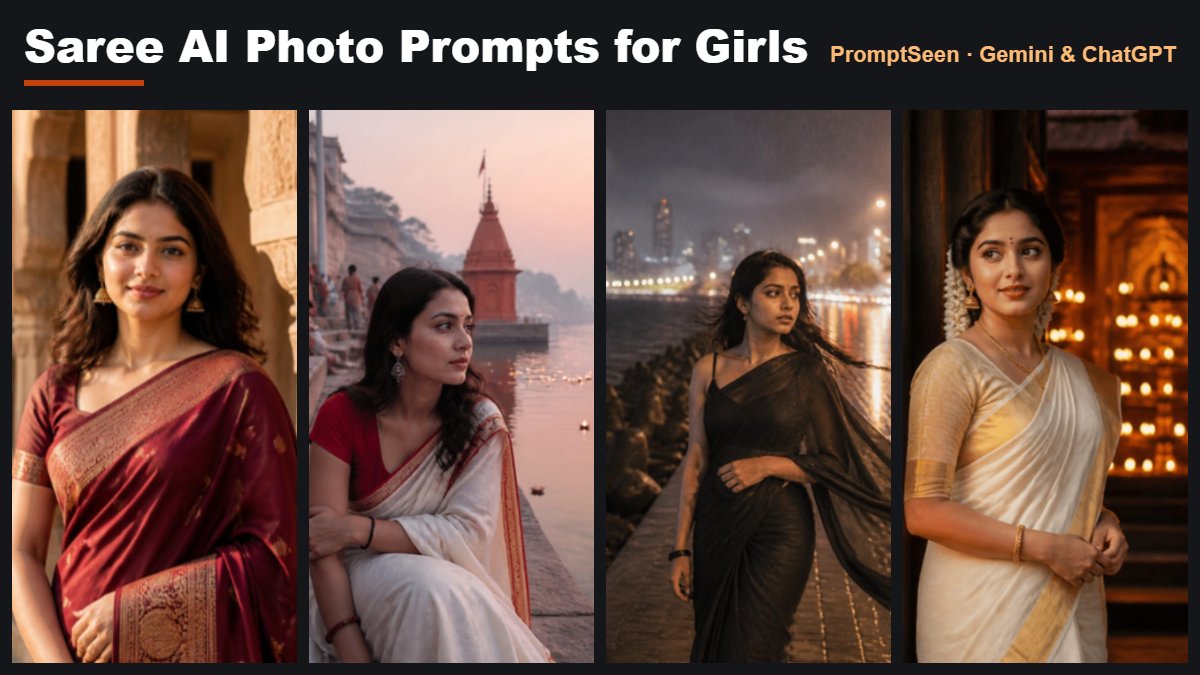
Saree AI Photo Prompts for Girls (Gemini & ChatGPT)
Quick Answer
Here are 8 saree AI photo prompts for girls that work in Gemini and ChatGPT. Pick a look, tap Copy Prompt, open Gemini or ChatGPT, upload one clear photo of your face and paste the prompt. Each prompt ends with a line that tells the AI to keep your face the same.
A saree photo is the one picture almost every girl wants for her profile, but a real shoot takes a photographer, a location and a whole day. With the right prompt, Gemini or ChatGPT can put you in a Jaipur palace, on a Banaras ghat or in Mumbai rain in under a minute. We wrote each prompt below for a different mood, so you are not getting the same photo eight times with a new colour.
What’s inside these prompts
- Jaipur Palace Maroon Saree
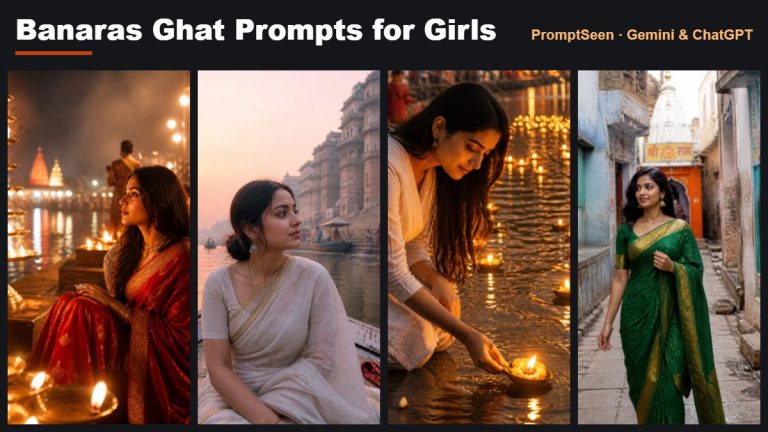
- Banaras Ghat Sunrise Saree
- Mumbai Rain Chiffon Saree
- Kerala Kasavu Saree at Temple
- Navy Organza Studio Portrait
- Durga Puja Red and White Saree
- Pastel Saree in Tea Garden
- 90s Yellow Chiffon in the Mountains
| Prompt | Mood | Setting | Light |
|---|---|---|---|
| Jaipur Palace Maroon Saree | royal, warm | Palace courtyard | Golden hour |
| Banaras Ghat Sunrise Saree | calm, spiritual | River ghat | Sunrise haze |
| Mumbai Rain Chiffon Saree | filmy, romantic | Marine Drive | Evening rain |
| Kerala Kasavu Saree at Temple | traditional | Temple entrance | Oil lamps |
| Navy Organza Studio Portrait | modern, clean | Plain studio | Soft box light |
| Durga Puja Red and White Saree | festive | Puja pandal | Fairy lights |
| Pastel Saree in Tea Garden | fresh, dreamy | Hill tea garden | Misty morning |
| 90s Yellow Chiffon in the Mountains | retro, filmy | Snowy hills | Bright daylight |
How to use a saree prompt in Gemini or ChatGPT
- Choose a prompt below and tap Copy Prompt.
- Open Gemini or ChatGPT on your phone or computer.
- Upload one clear photo where your face is straight to the camera.
- Paste the prompt in the same message and send it.
- If you don’t like the result, generate again before changing the prompt.
Tips for a better saree photo
- Use a front-facing photo. Side angles and sunglasses make the AI guess your face.
- Change one thing at a time. Want green instead of maroon? Change only the colour word.
- Using ChatGPT? If the face changes, replace the last line with: “Use my uploaded photo as the reference and do not change my facial features.”
- Try 2–3 times. Every result is a little different, so keep the best one.
8 saree AI photo prompts for girls
1. Jaipur Palace Maroon Saree
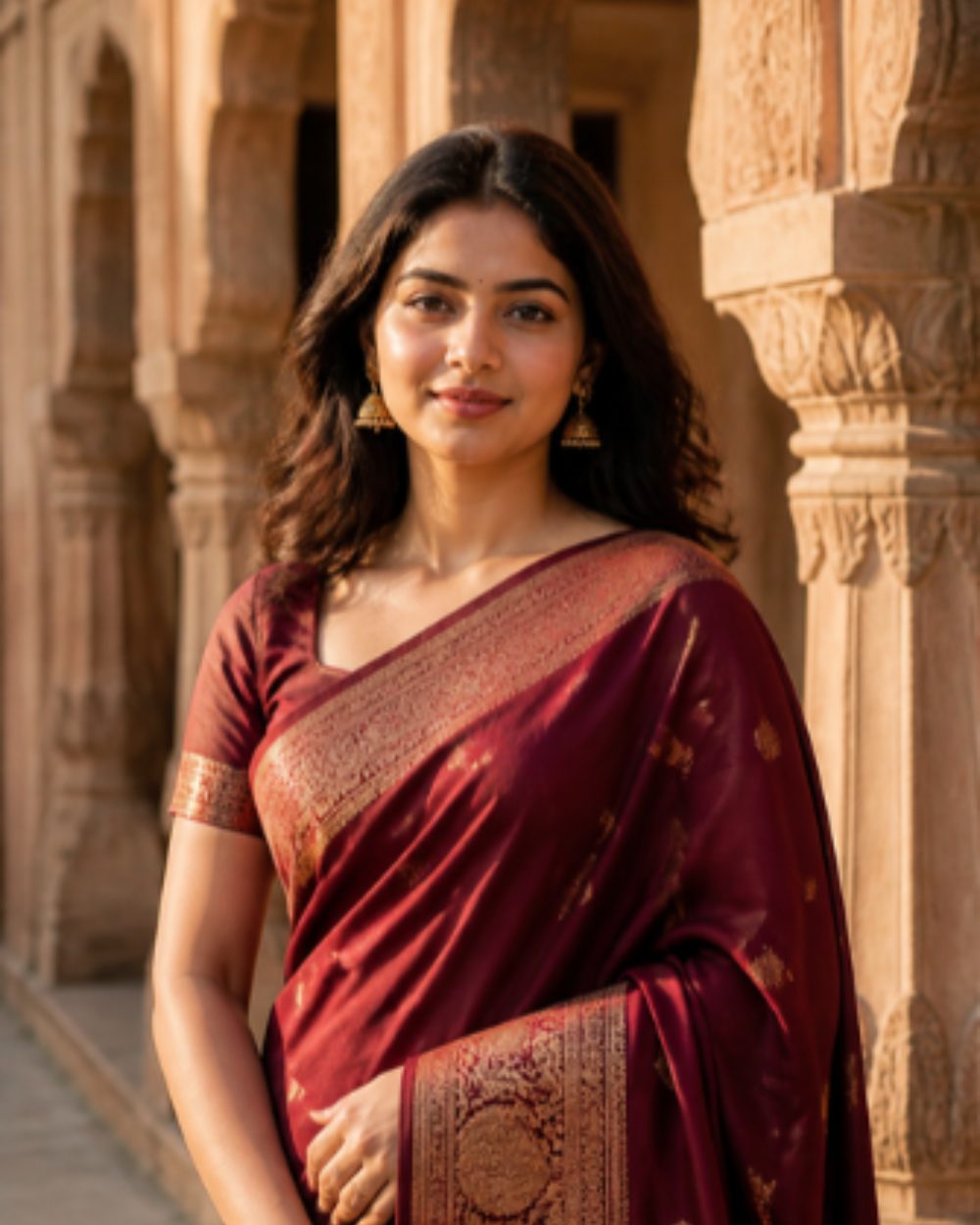
✦ Mood: royal, warm · Palace courtyard · Golden hour
A realistic portrait of the woman in my photo wearing a maroon silk saree with a gold zari border, standing in a Jaipur palace courtyard with carved sandstone arches, warm golden-hour light, 85mm lens, soft background blur, vertical 4:5 frame. Keep my face exactly the same as in the uploaded photo.
2. Banaras Ghat Sunrise Saree
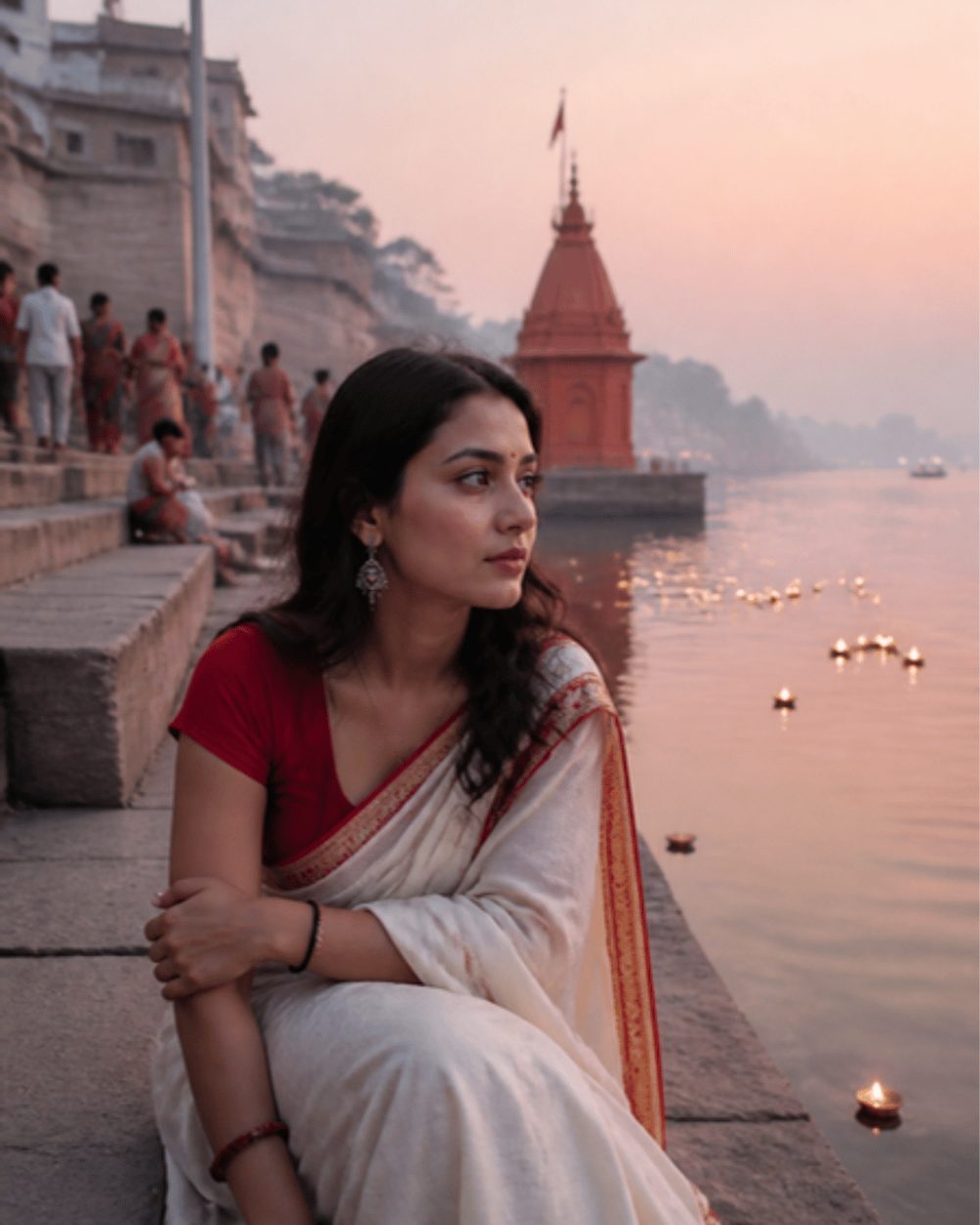
✦ Mood: calm, spiritual · River ghat · Sunrise haze
The woman in my photo in a cream cotton saree with a red border, sitting on the stone steps of a Banaras ghat at sunrise, small diyas floating on the river behind her, light morning haze, natural documentary photo style. Keep my face exactly the same as in the uploaded photo.
3. Mumbai Rain Chiffon Saree
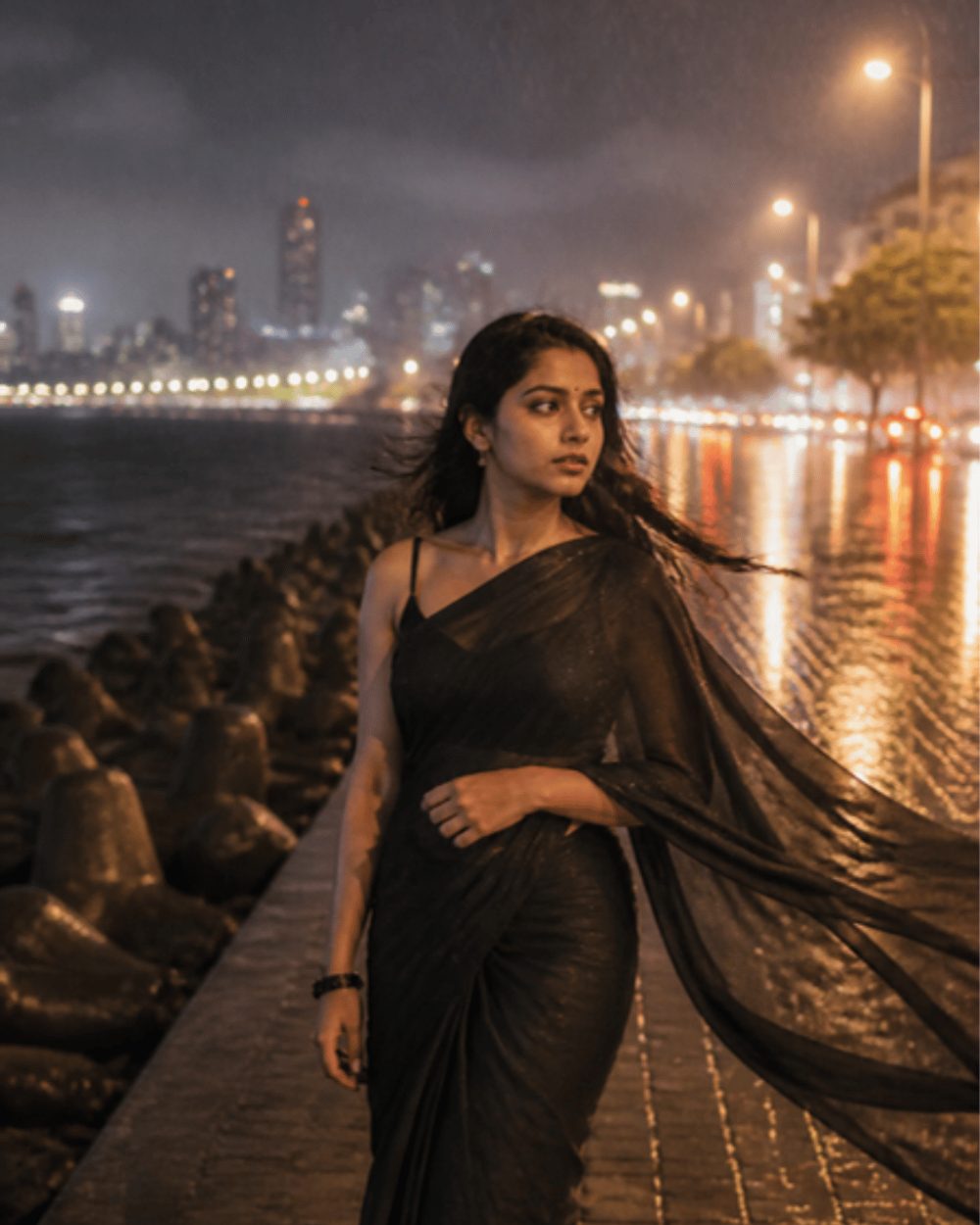
✦ Mood: filmy, romantic · Marine Drive · Evening rain
The woman in my photo in a black chiffon saree standing on Marine Drive on a rainy evening, the saree moving in the wind, wet road reflections, warm street lights, cinematic film colours, light raindrops in the air. Keep my face exactly the same as in the uploaded photo.
4. Kerala Kasavu Saree at Temple
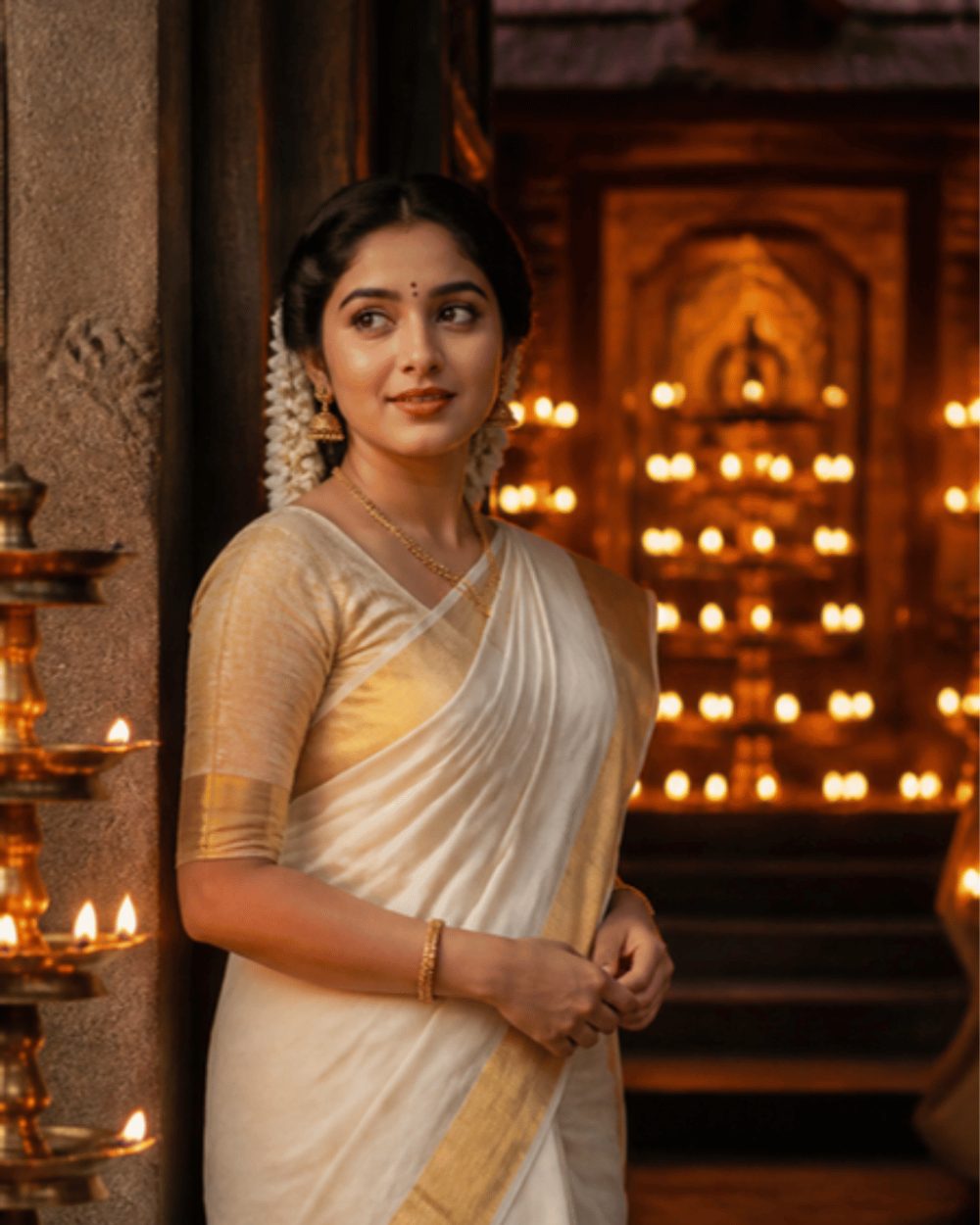
✦ Mood: traditional · Temple entrance · Oil lamps
The woman in my photo wearing a white and gold Kerala kasavu saree with jasmine flowers in her hair, standing at a temple entrance lit by rows of brass oil lamps, soft warm glow, shallow depth of field. Keep my face exactly the same as in the uploaded photo.
5. Navy Organza Studio Portrait
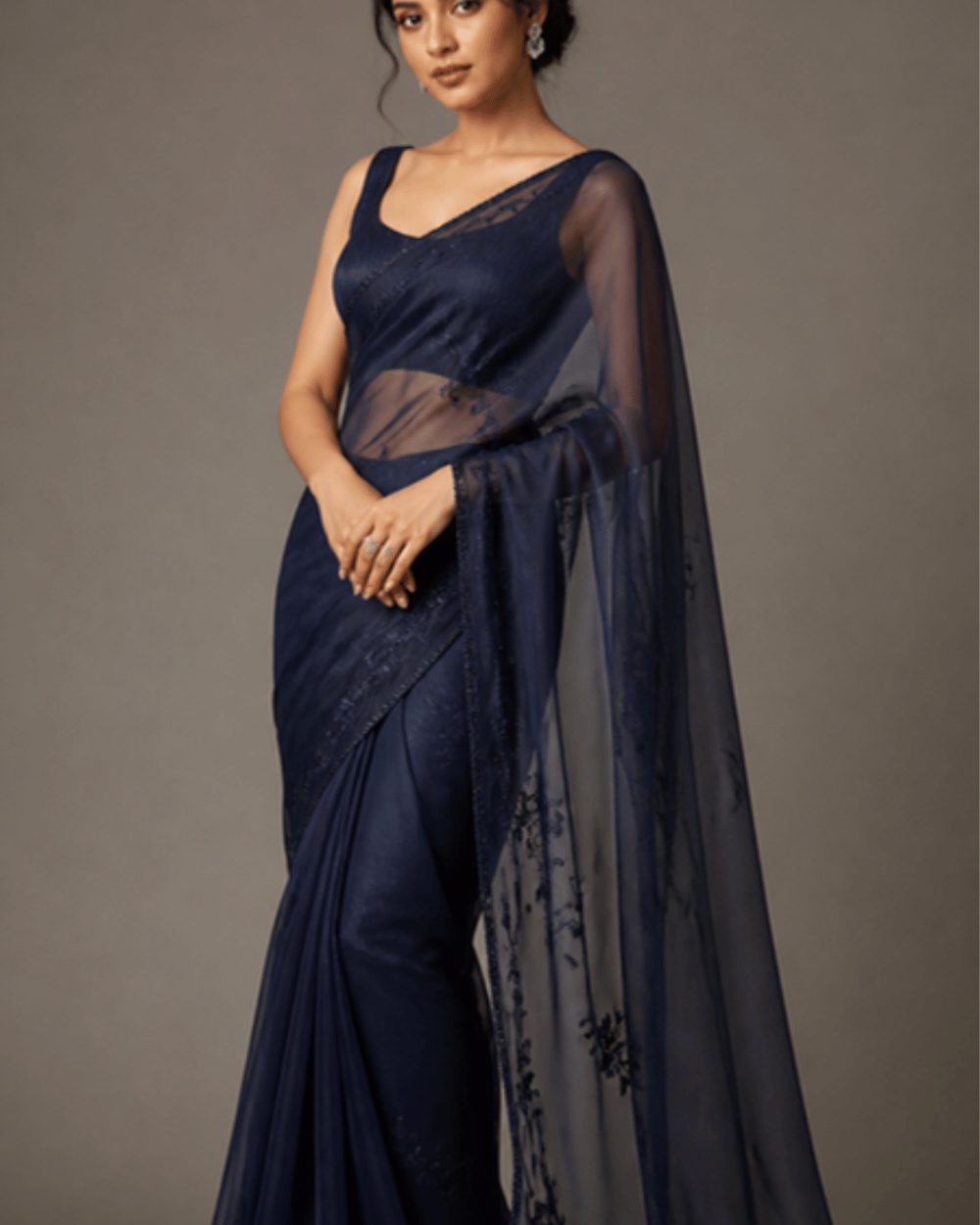
✦ Mood: modern, clean · Plain studio · Soft box light
A studio portrait of the woman in my photo in a navy blue organza saree with a sleeveless blouse, plain warm-grey backdrop, soft box lighting from the left, sharp details, clean fashion magazine look, vertical 4:5 frame. Keep my face exactly the same as in the uploaded photo.
6. Durga Puja Red and White Saree
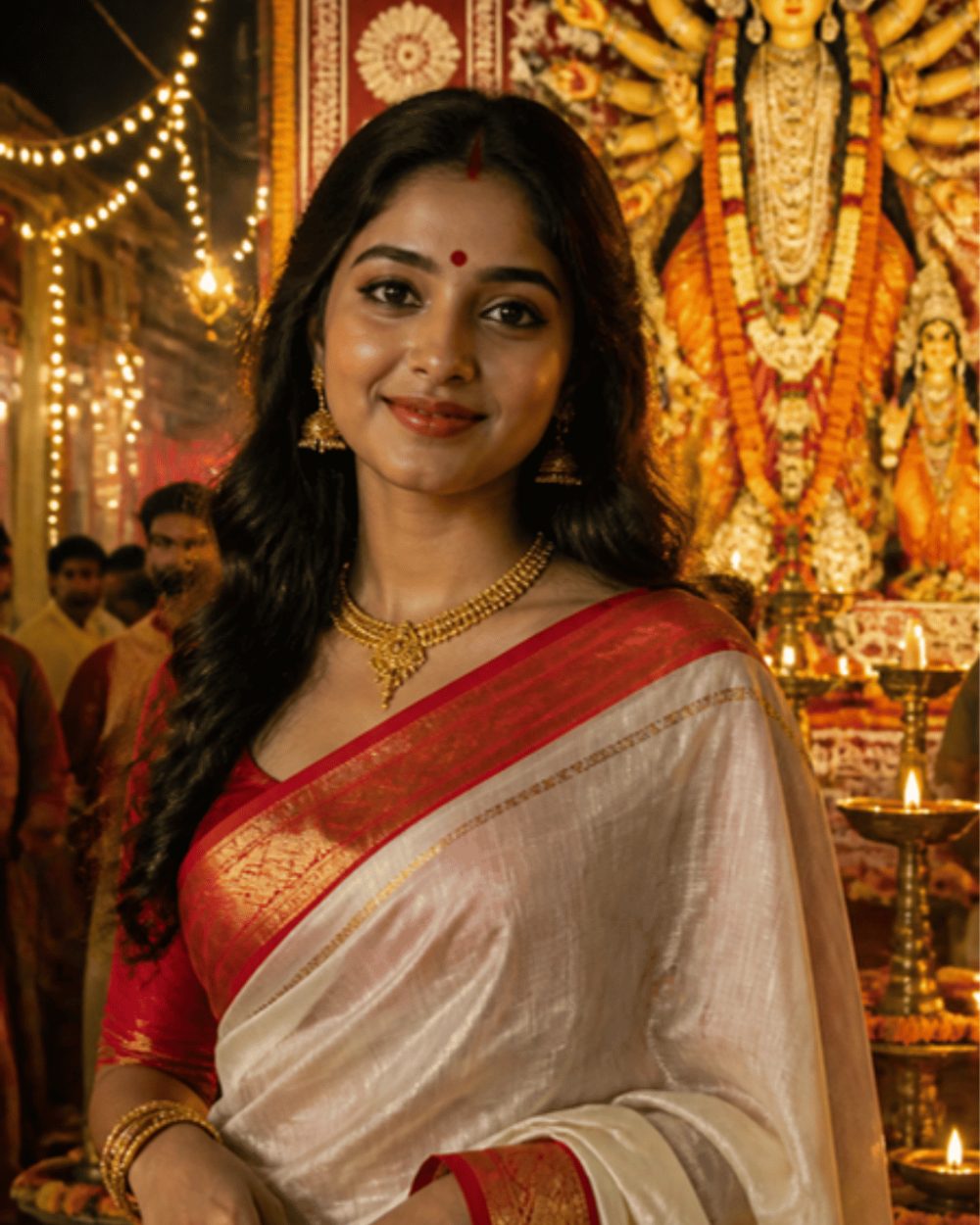
✦ Mood: festive · Puja pandal · Fairy lights
The woman in my photo in a white saree with a wide red border, red bindi and gold jewellery, standing inside a Durga Puja pandal with fairy lights and marigold decorations behind her, festive evening light. Keep my face exactly the same as in the uploaded photo.
7. Pastel Saree in Tea Garden
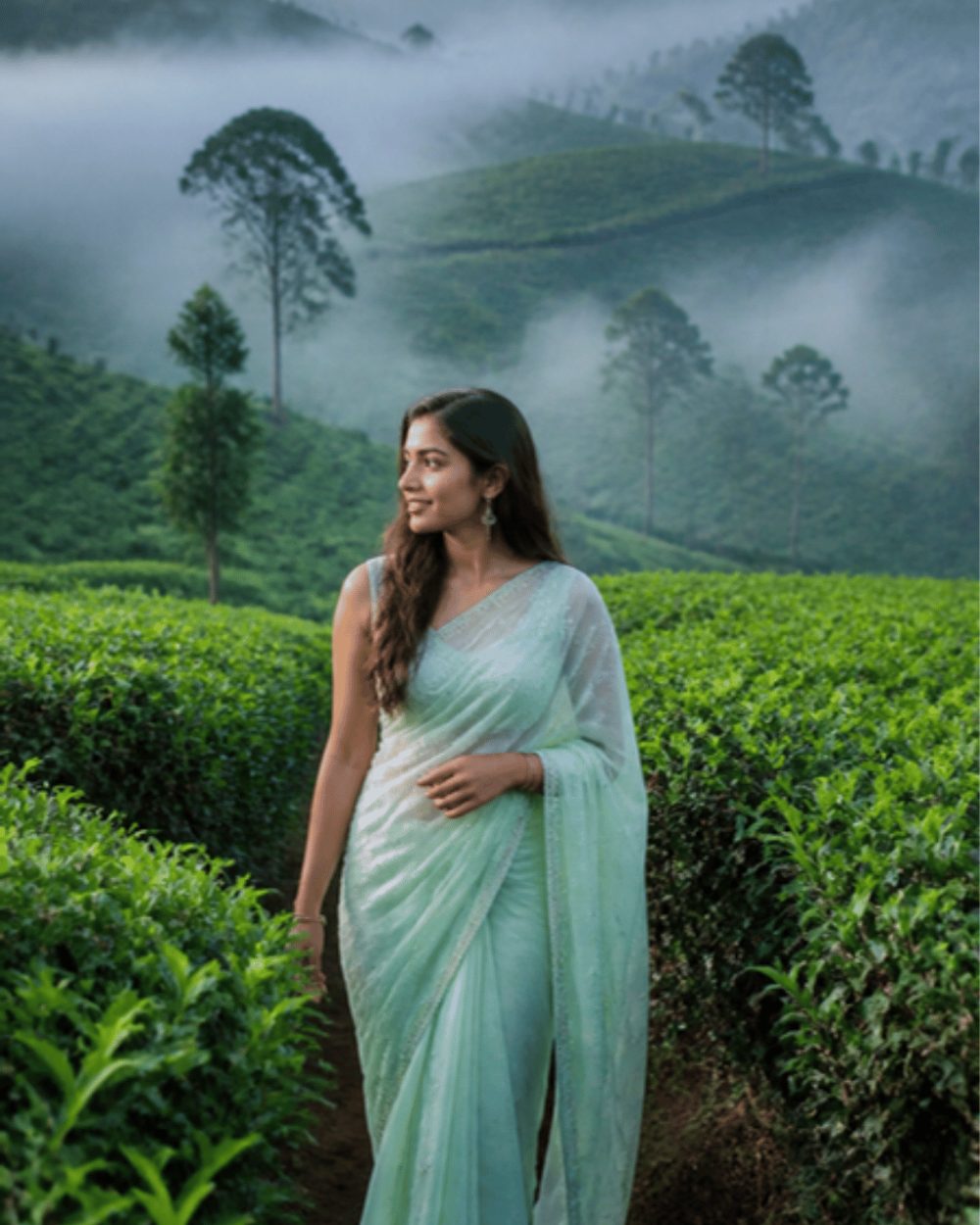
✦ Mood: fresh, dreamy · Hill tea garden · Misty morning
The woman in my photo in a pastel mint georgette saree walking between rows of green tea bushes in a hill tea garden, soft morning mist, cool natural light, wide shot with the hills in the background. Keep my face exactly the same as in the uploaded photo.
8. 90s Yellow Chiffon in the Mountains
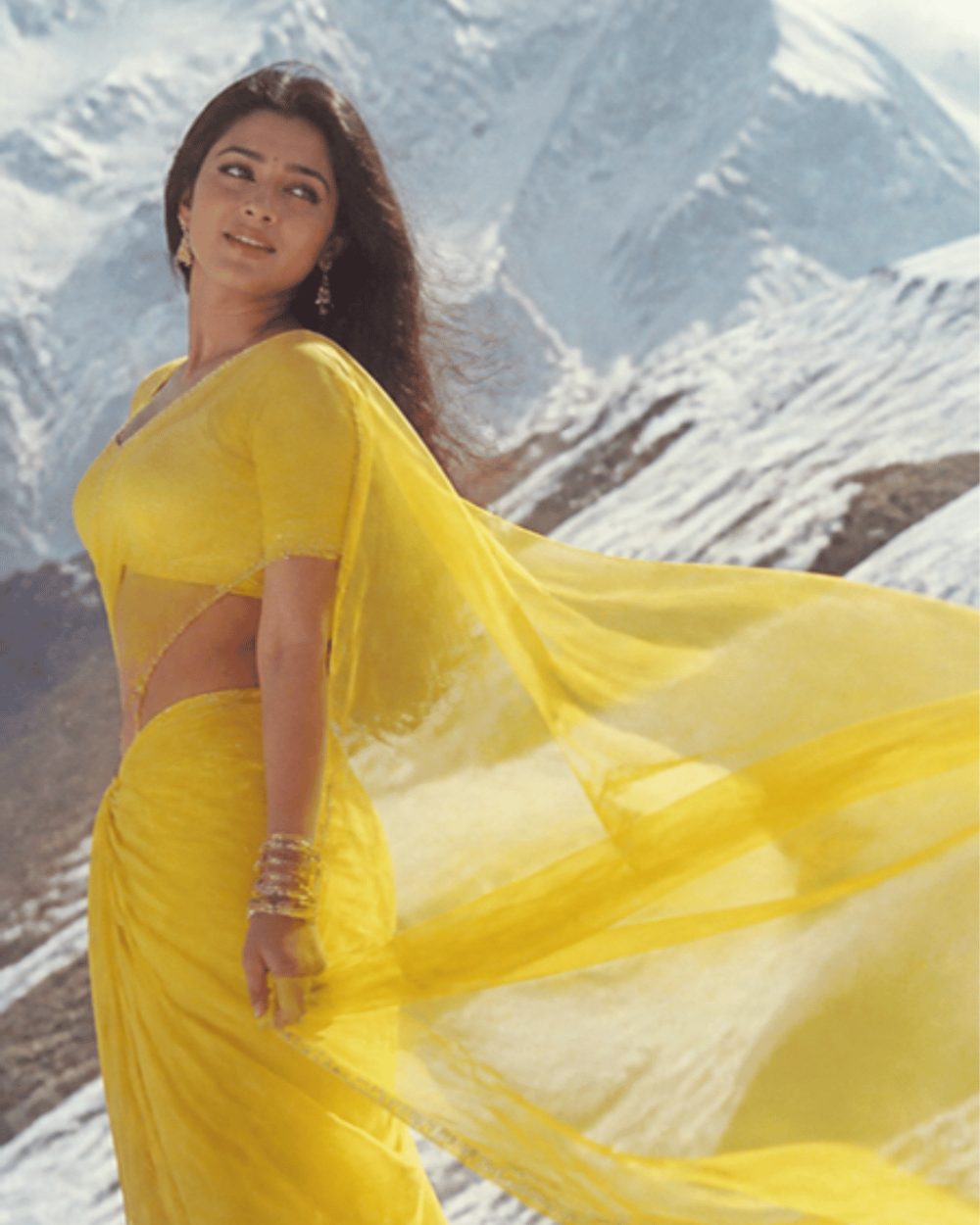
✦ Mood: retro, filmy · Snowy hills · Bright daylight
The woman in my photo in a bright yellow chiffon saree standing on a snowy mountain slope, the saree flowing in the wind, 1990s Hindi film song look, slightly faded colours and soft film grain. Keep my face exactly the same as in the uploaded photo.
Final words
Start with the Jaipur palace or studio prompt if you want a clean profile photo, and the Mumbai rain or 90s mountain prompt if you want something for a reel or story. Save the ones you like, and come back next week for new looks.
More prompts you will love
FAQ
Are these saree prompts free?
Yes. Copy and use them as many times as you like, no sign-up needed.
Will my face stay the same?
Most of the time, yes. AI tools can still change small details, so generate again if the face looks different.
Do these prompts work in ChatGPT too?
Yes. For ChatGPT, swap the last line with the ChatGPT line given in the tips above.
Can I change the saree colour?
Yes. Replace only the colour word in the prompt, like maroon to emerald green, and keep the rest the same.
Can I use someone else’s photo?
Only with their permission. Ask your friend or sister before you upload her photo to any AI tool.