Christmas CapCut Templates
Quick Answer
Here are 6 Christmas CapCut templates for countdowns, tree decorating, Santa moments, family highlights, winter wonderland reels and Christmas memories. Tap “Use Template in CapCut”, add your photos and export the reel. No watermark tricks, no app installs beyond CapCut.
Making a Christmas reel from scratch takes time: picking a song, matching every cut to the beat and adding transitions. A CapCut template does all of that for you. You only add your photos. We picked templates that match the songs people are using for Christmas right now, and noted how many photos each one needs so you can choose before you open the app.
What’s inside
- Christmas Countdown Reel (Jingle Bells beat)
- Christmas Tree Decorating Montage (Deck the Halls beat)
- Santa Slow Motion Edit (Santa Claus Is Coming to Town)
- Christmas Family Highlights (We Wish You a Merry Christmas)
- Winter Wonderland Reel (Let It Snow)
- Christmas Memories Reel (Silent Night)
| Template | Song | Photos | Best for |
|---|---|---|---|
| Christmas Countdown Reel | Jingle Bells beat | 7 photos | Christmas, countdown |
| Christmas Tree Decorating Montage | Deck the Halls beat | 9 photos | Tree, decorating |
| Santa Slow Motion Edit | Santa Claus Is Coming to Town | 8 photos | Santa, kids |
| Christmas Family Highlights | We Wish You a Merry Christmas | 10 photos | Family, party |
| Winter Wonderland Reel | Let It Snow | 8 photos | Winter, snow |
| Christmas Memories Reel | Silent Night | 11 photos | Memories, throwback |
How to use a CapCut template
- Install CapCut on your phone and sign in.
- Tap Use Template in CapCut under the template you like.
- The template opens in CapCut. Tap Use template.
- Pick the number of photos the template asks for.
- Preview, then export and share your reel.
Tips for a better reel
- Use AI photos. Make your photos first with our AI photo prompts, then drop them into a template.
- Keep the order. Put your best photo first, it becomes the reel cover.
- Template not opening? Update CapCut, or copy the link and open it in your phone browser.
- Vertical photos work best. 9:16 or 4:5 photos fill the screen without black bars.
6 Christmas CapCut templates
1. Christmas Countdown Reel

Song: Jingle Bells beat
Photos needed: 7 photos
Best for: Christmas, countdown
Use Template in CapCut
[CapCut template link yahan lagana hai]
2. Christmas Tree Decorating Montage
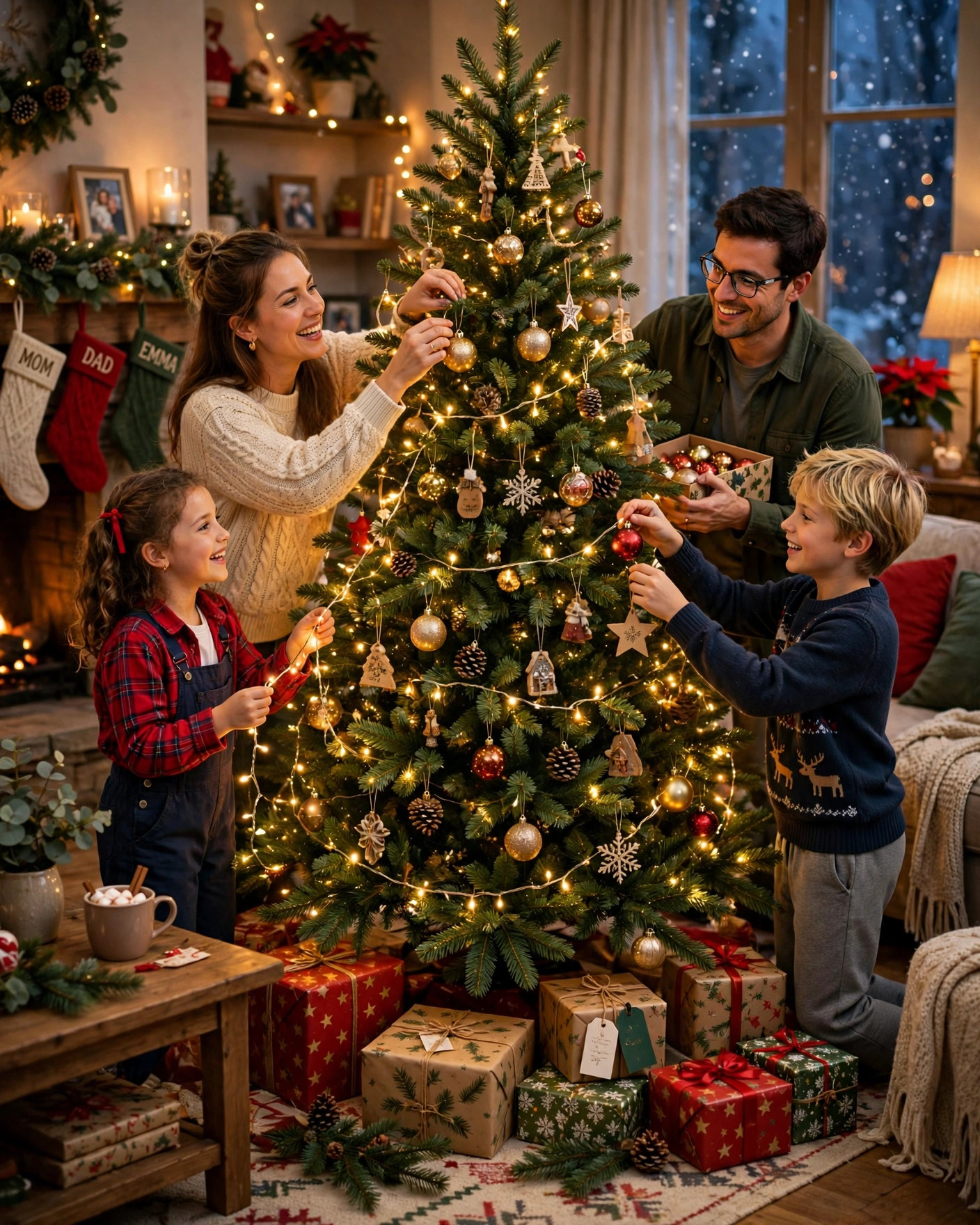
Song: Deck the Halls beat
Photos needed: 9 photos
Best for: Tree, decorating
Use Template in CapCut
[CapCut template link yahan lagana hai]
3. Santa Slow Motion Edit

Song: Santa Claus Is Coming to Town
Photos needed: 8 photos
Best for: Santa, kids
Use Template in CapCut
[CapCut template link yahan lagana hai]
4. Christmas Family Highlights

Song: We Wish You a Merry Christmas
Photos needed: 10 photos
Best for: Family, party
Use Template in CapCut
[CapCut template link yahan lagana hai]
5. Winter Wonderland Reel

Song: Let It Snow
Photos needed: 8 photos
Best for: Winter, snow
Use Template in CapCut
[CapCut template link yahan lagana hai]
6. Christmas Memories Reel

Song: Silent Night
Photos needed: 11 photos
Best for: Memories, throwback
Use Template in CapCut
[CapCut template link yahan lagana hai]
Final words
Start with the Christmas Countdown Reel for a countdown post or the Christmas Family Highlights for a family Christmas reel. We add new templates every week, so check back when a new song starts trending.
More you will love
- More AI photo prompts
- Trending prompts this week
- Christmas prompts for girls
FAQ
Are these CapCut templates free?
Yes. The templates are free to use in the CapCut app.
Why is a template not opening?
Update the CapCut app first. If it still does not open, copy the link and paste it in your phone browser.
Can I change the song?
Yes, but the cuts are timed to the original song, so the reel may not match the beat any more.